Build and release ThingsBoard Mobile Application
Build and release the ThingsBoard mobile app version 1.7.x for iOS and Android.
Before you start
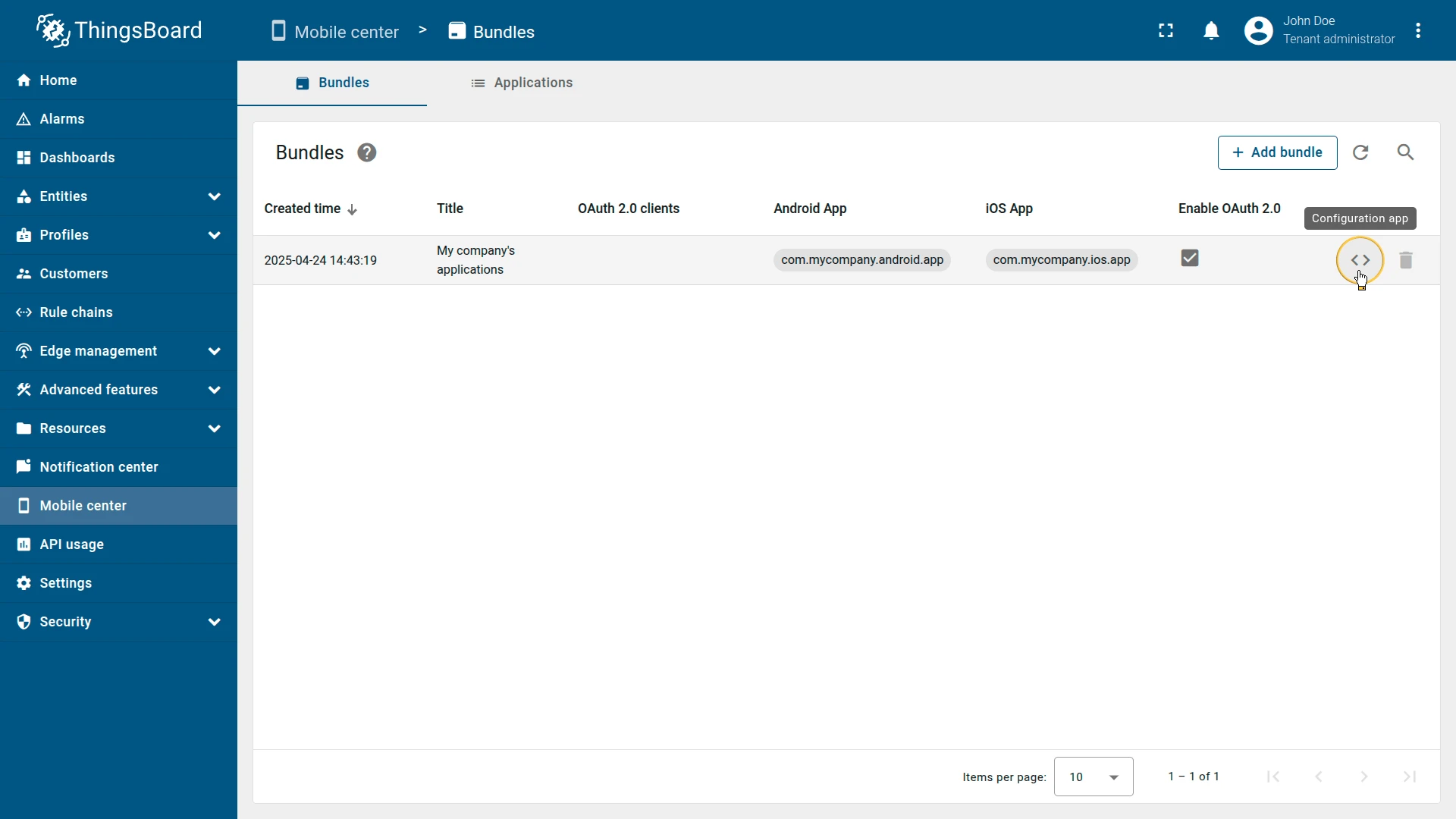
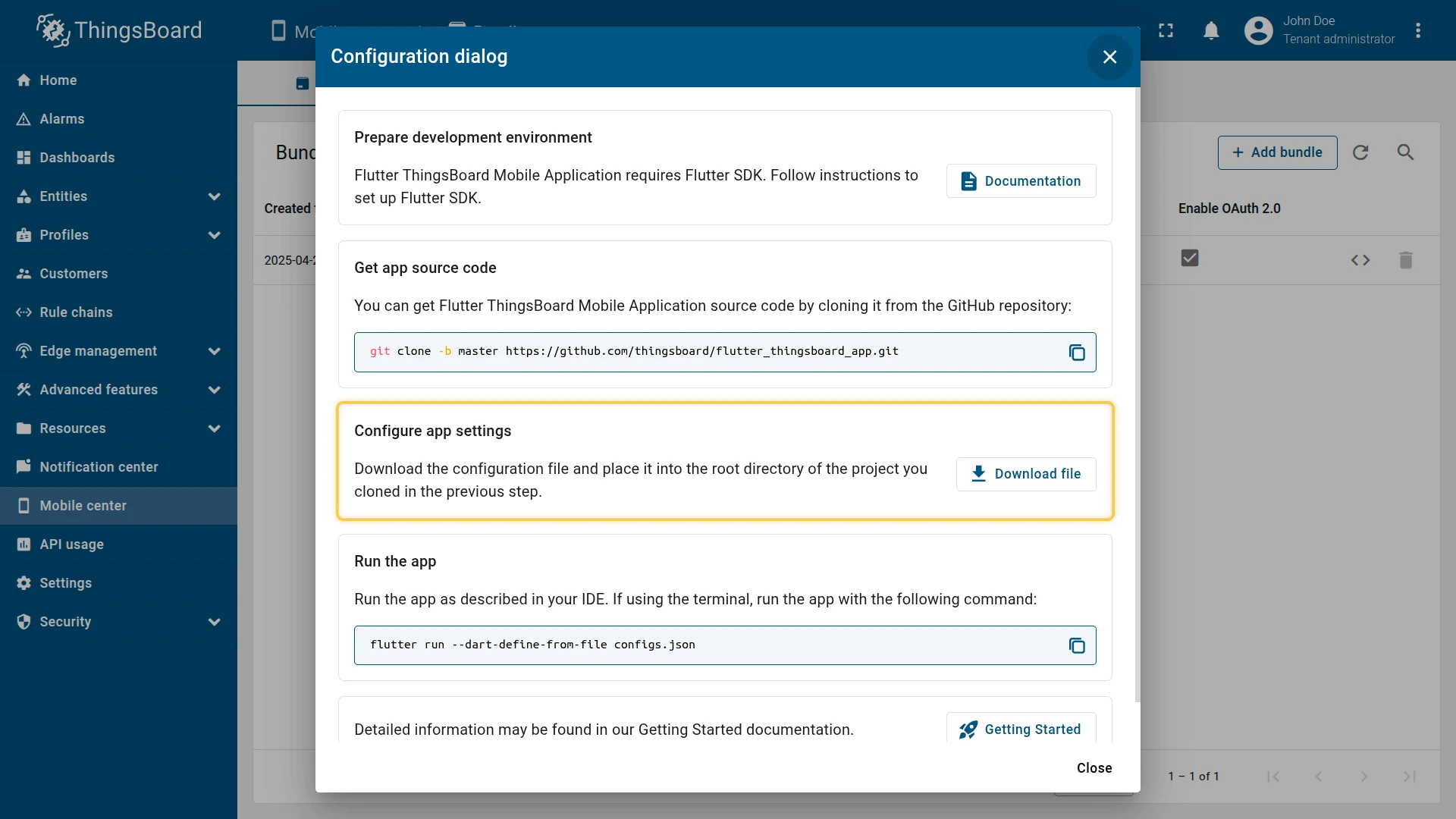
Section titled “Before you start”This guide assumes you have already created an app bundle in the Mobile Center and downloaded the generated configs.json file.
If you need to change any settings, update them in the Mobile Center, re-download configs.json, and replace the file in your project.
iOS — build and release
Section titled “iOS — build and release”Follow the official Build and release an iOS app guide to prepare your app for the App Store and TestFlight.
flutter build ipa --no-tree-shake-icons --dart-define-from-file configs.jsonAndroid — build and release
Section titled “Android — build and release”Follow the official Build and release an Android app guide to prepare your app for Google Play.
flutter build appbundle --no-tree-shake-icons --dart-define-from-file configs.jsonBuild flags
Section titled “Build flags”--no-tree-shake-icons — prevents Flutter from removing unused icons during the build. This ensures the app can display any icon configured in the notification center.
--dart-define-from-file configs.json — loads the mobile app configuration from the JSON file downloaded from the Mobile Center, so the app uses the correct settings for production.
Was this helpful?