Customize device icon in ThingsBoard Mobile Application
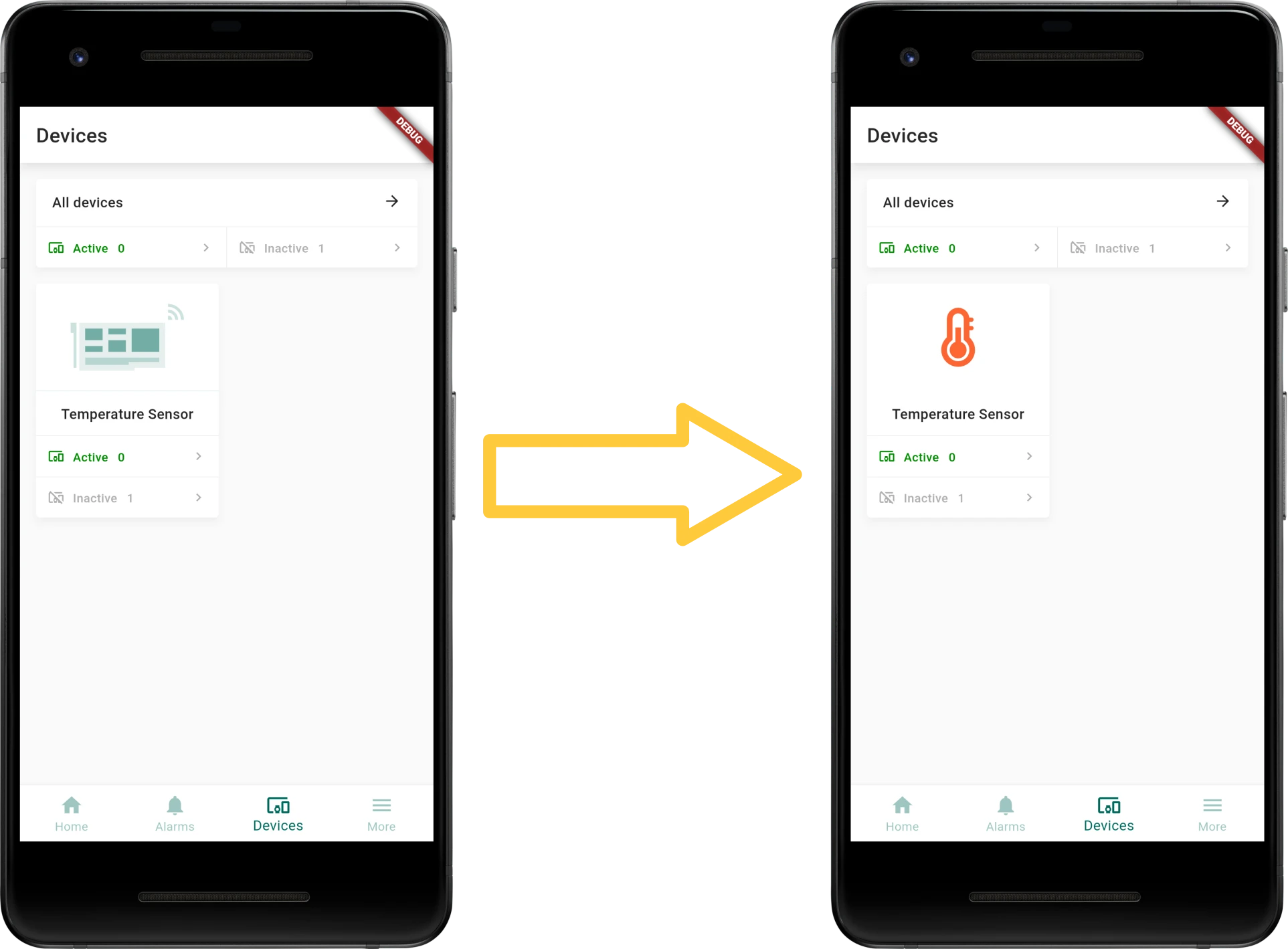
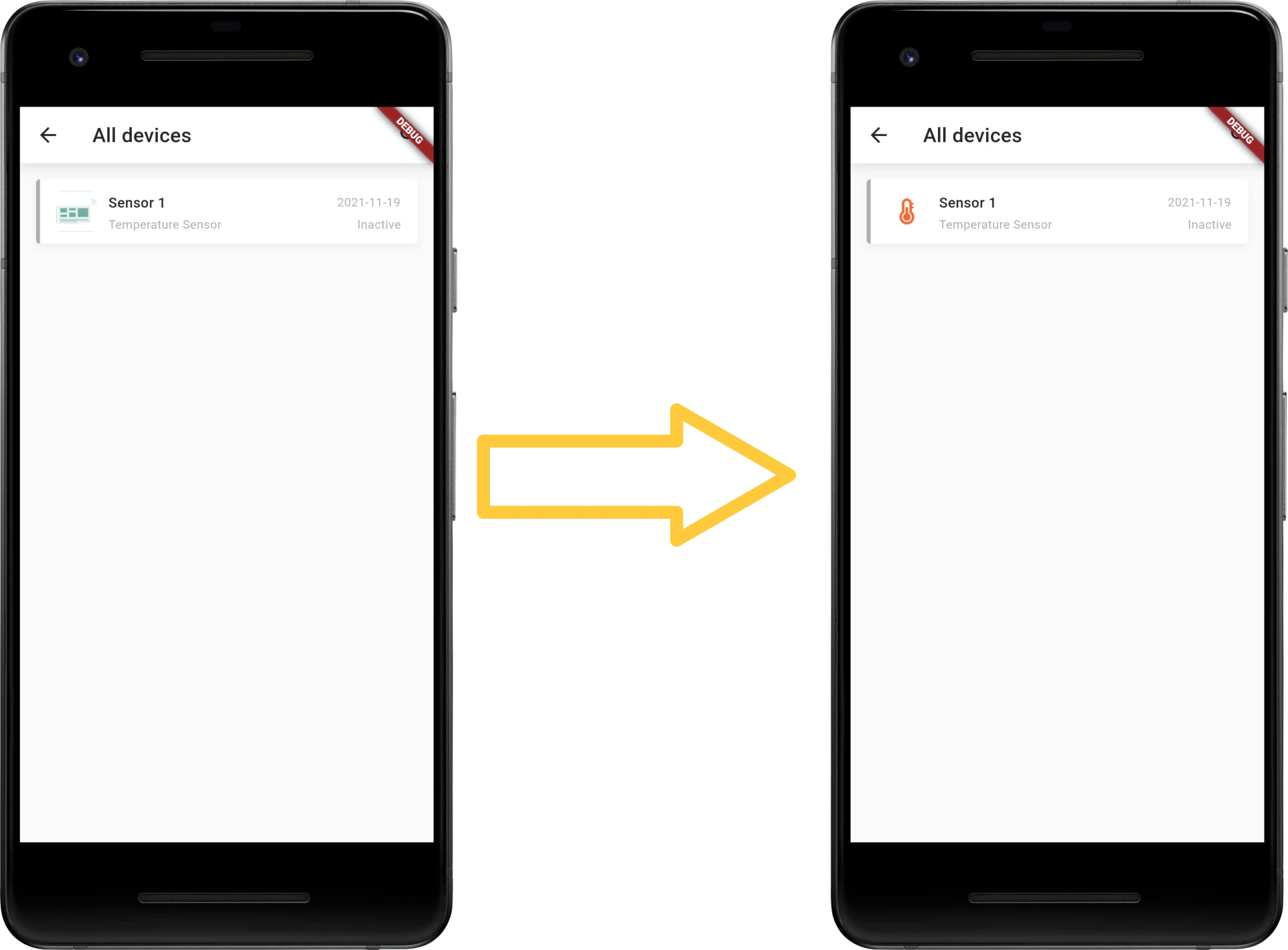
ThingsBoard lets you configure a custom icon for each device type by uploading an image to the device profile. The mobile app uses this image to represent devices of that profile on the Devices screen.
Device profile image
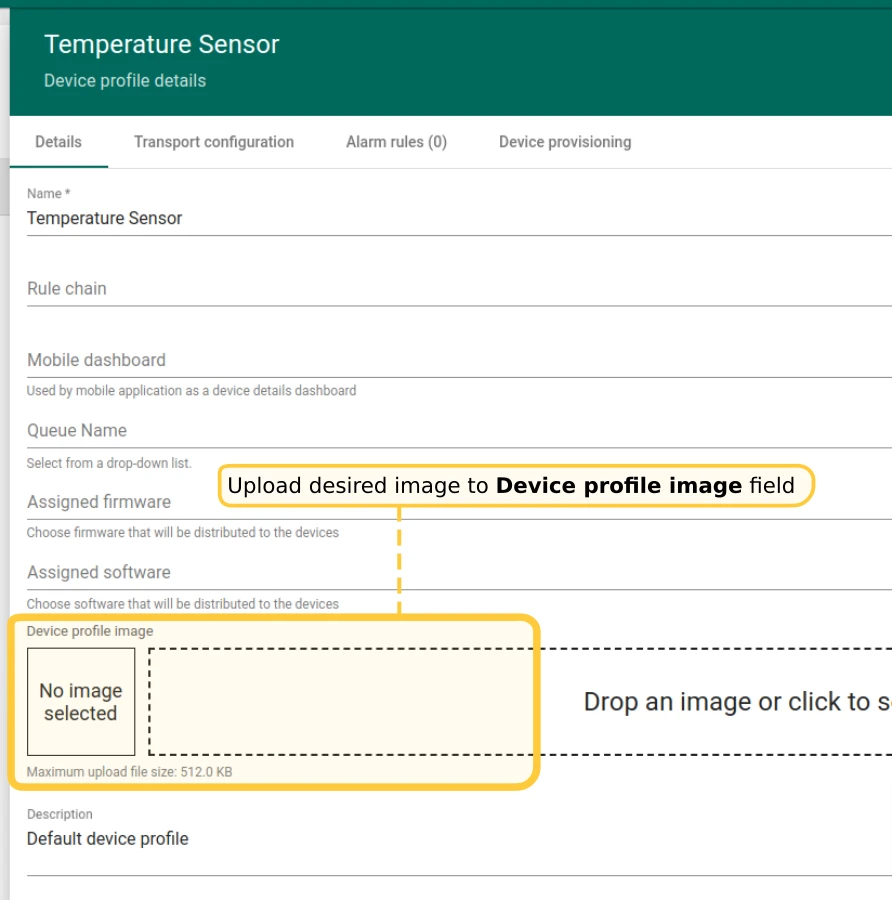
Section titled “Device profile image”- Go to Device profiles in the left main menu.
- Click the device profile you want to modify.
- In the device profile details panel, click the Edit (pencil) button.
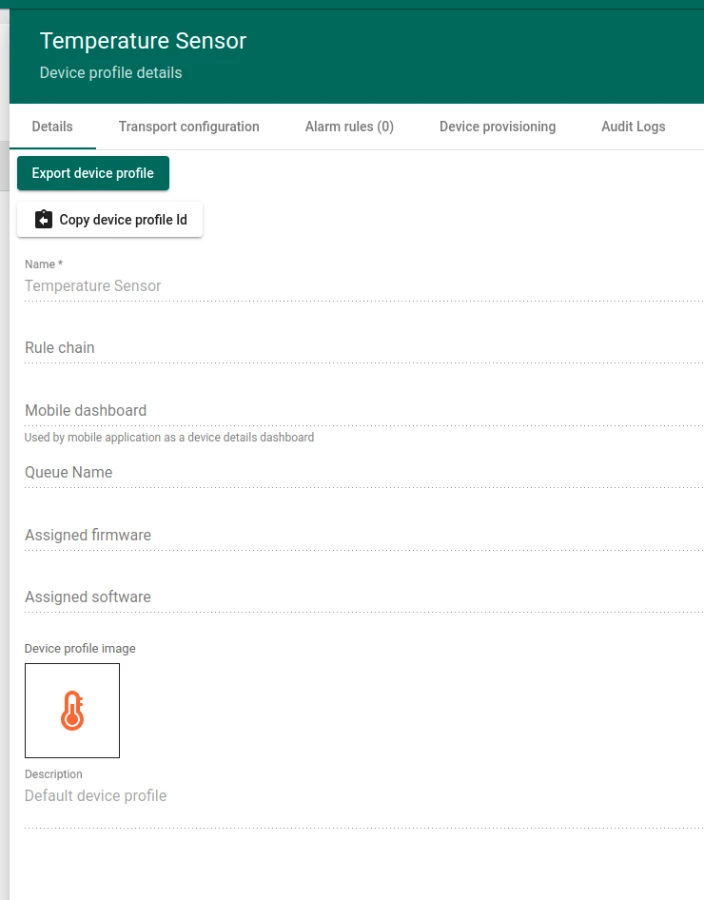
- Upload the desired image to the Device profile image field.
- Click Apply changes.
Was this helpful?
Thank you for your feedback!