Configure device details dashboards in ThingsBoard Mobile Application
Configure a device details dashboard to open when a user taps a device of a specific profile in the mobile app. The dashboard is set per device profile.
Configure device details dashboard
Section titled “Configure device details dashboard”- Go to Device profiles in the left main menu.
- Click the device profile you want to modify.
- In the device profile details panel, click the Edit (pencil) button.
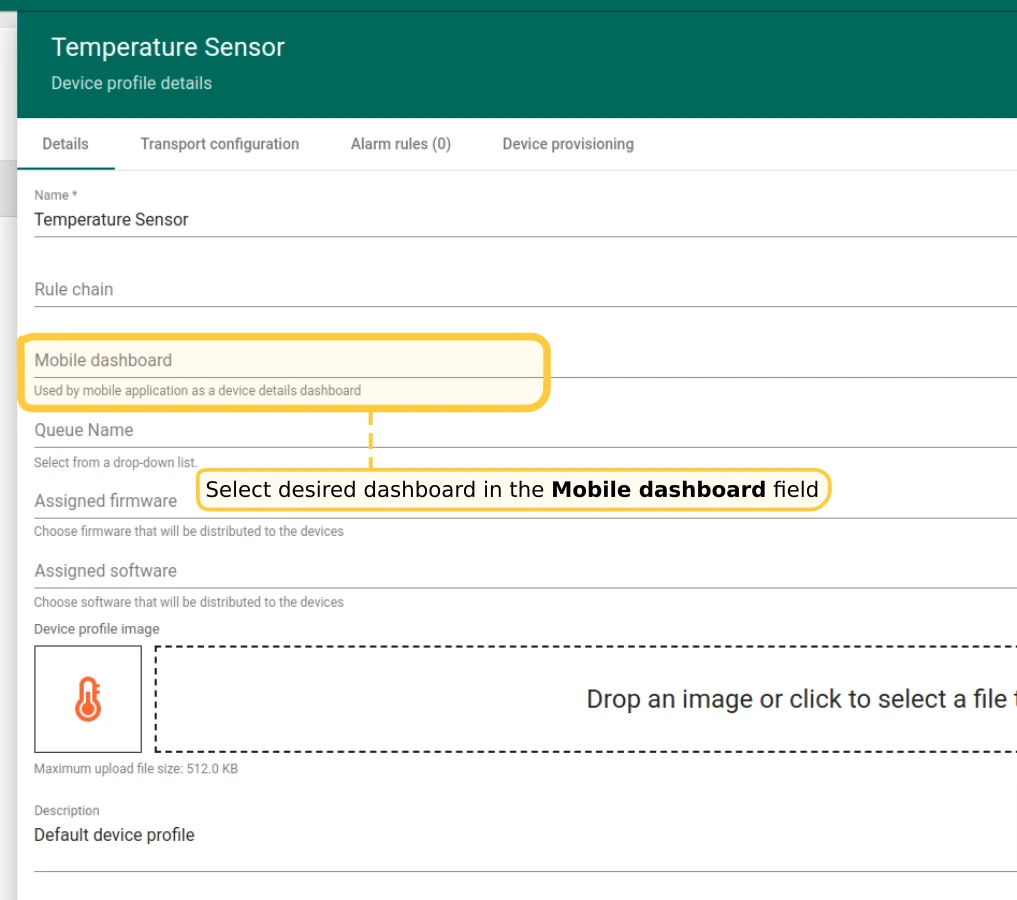
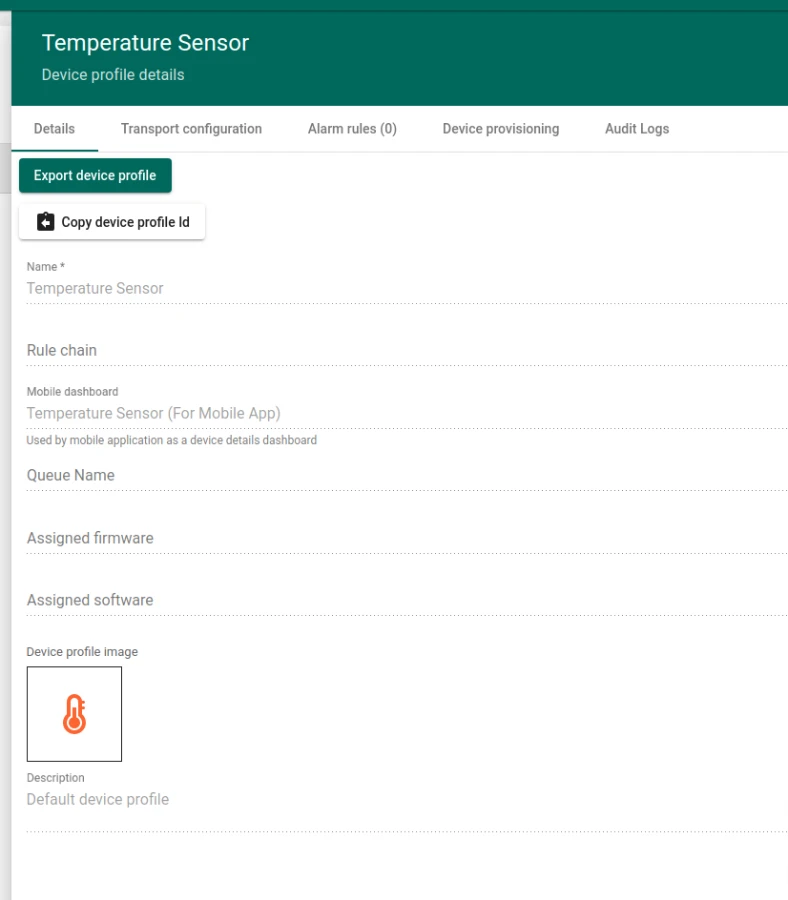
- Select the desired dashboard in the Mobile dashboard field.
- Click Apply changes.
Verify configuration
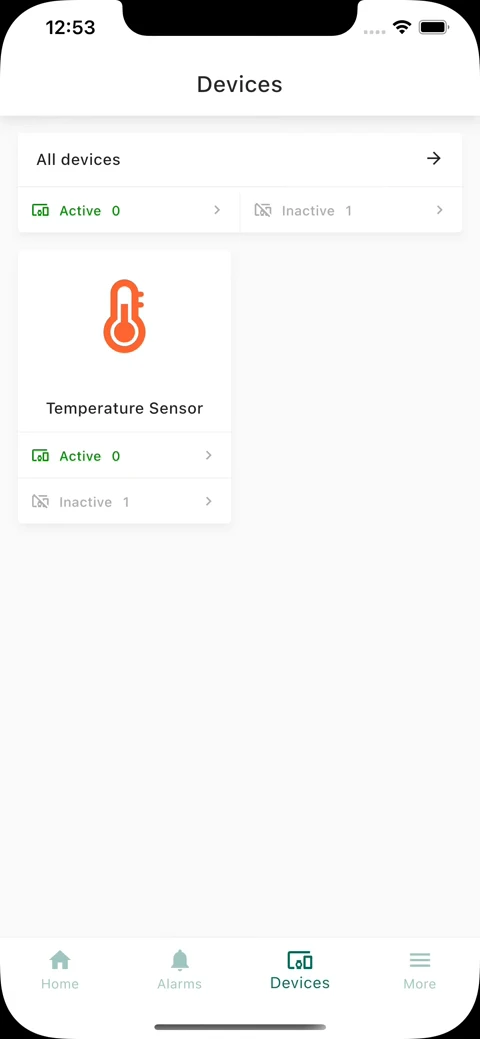
Section titled “Verify configuration”Open the mobile app, navigate to the devices list, and tap a device whose profile has the dashboard configured.
Was this helpful?
Thank you for your feedback!