Service RPC Methods
Service RPC methods are built-in gateway commands prefixed with gateway_ that let you check gateway
health, list connected devices, schedule restarts, and manage provisioning - all from the ThingsBoard
web UI without any connector configuration.
Prerequisites
Section titled “Prerequisites”- A running ThingsBoard server installation guide.
- An installed and configured ThingsBoard IoT Gateway (Installation guide, Configuration guide).
Step 1. Set Up the RPC Debug Terminal
Section titled “Step 1. Set Up the RPC Debug Terminal”-
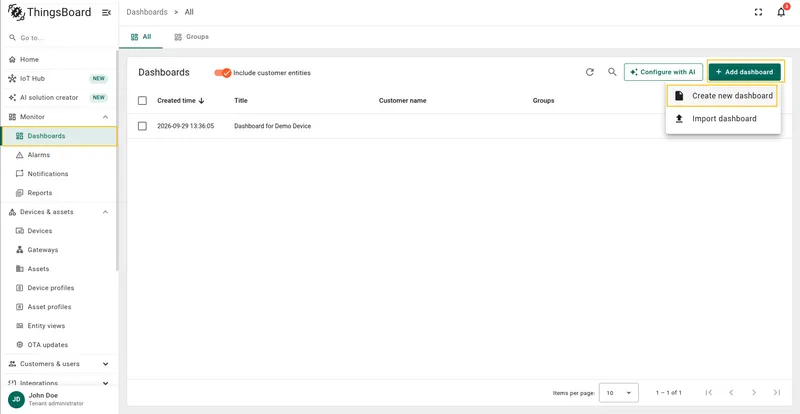
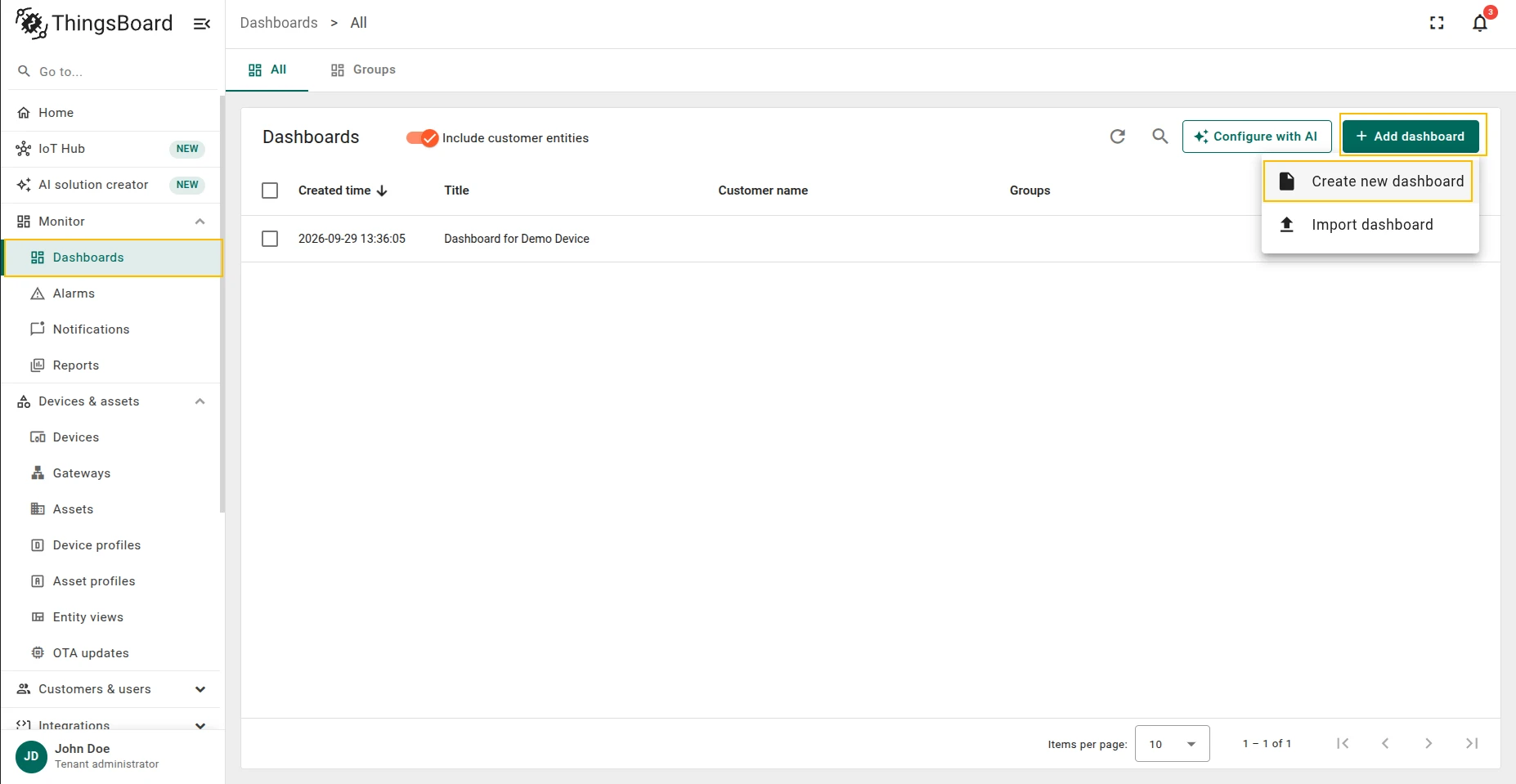
Open the Dashboards tab.
-
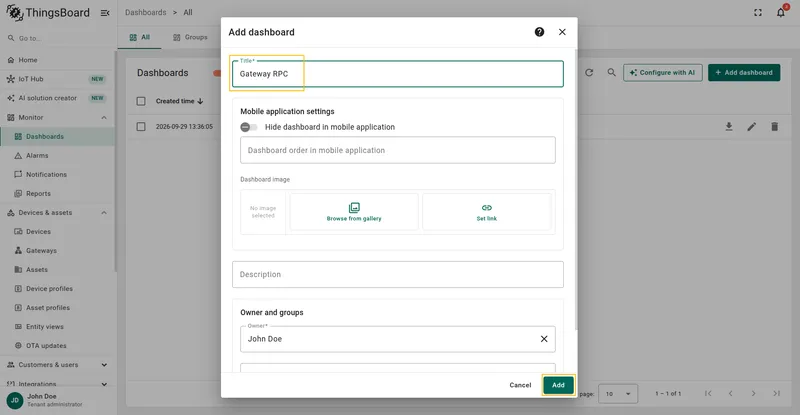
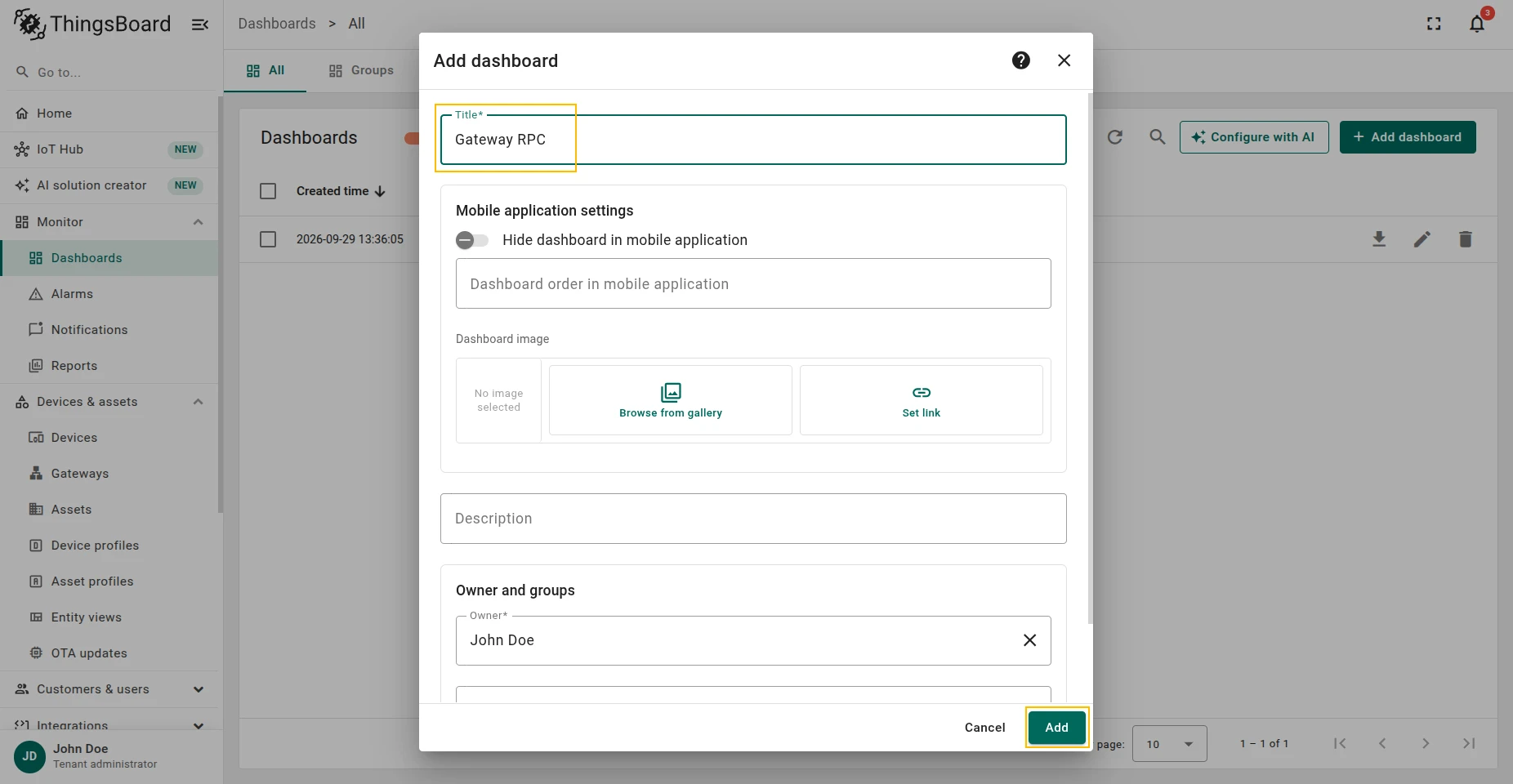
Add a new dashboard.
-
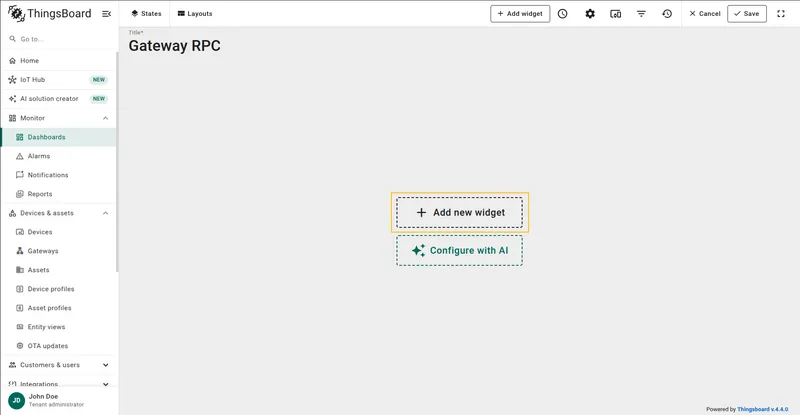
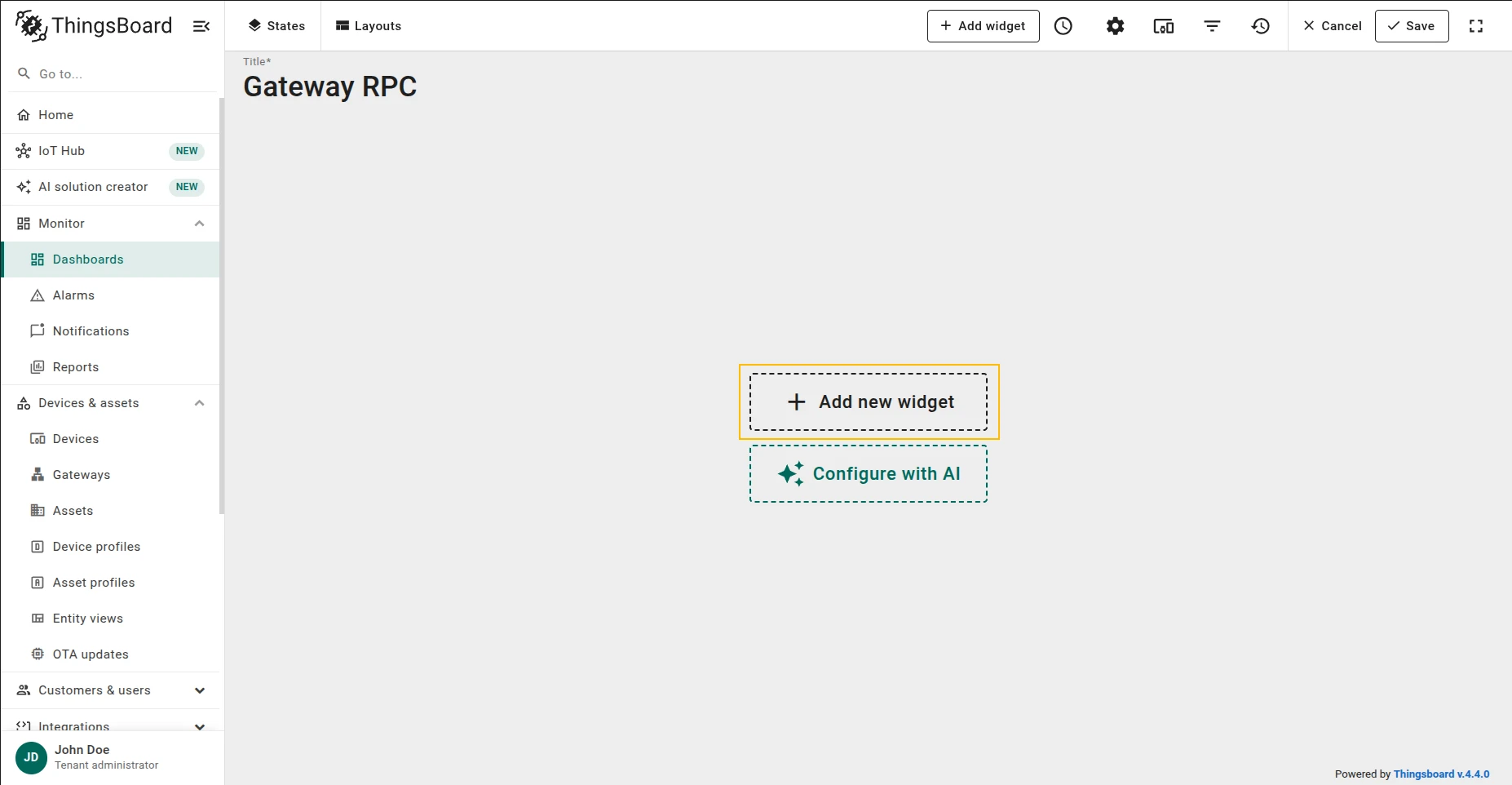
Open the created dashboard, enter edit mode by clicking the pencil button in the bottom-right corner, then click Add new widget.
-
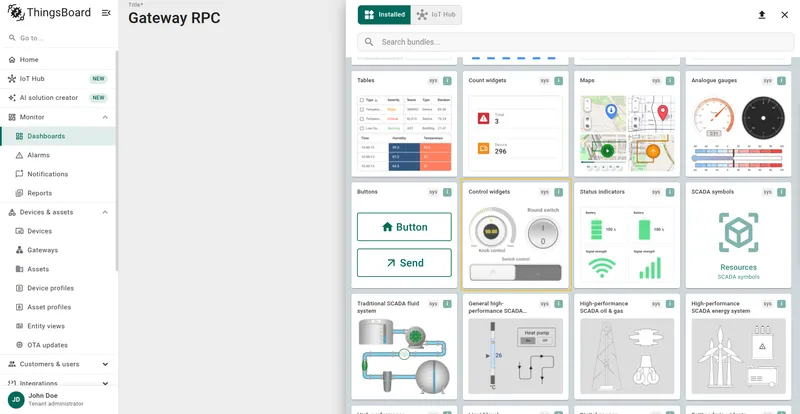
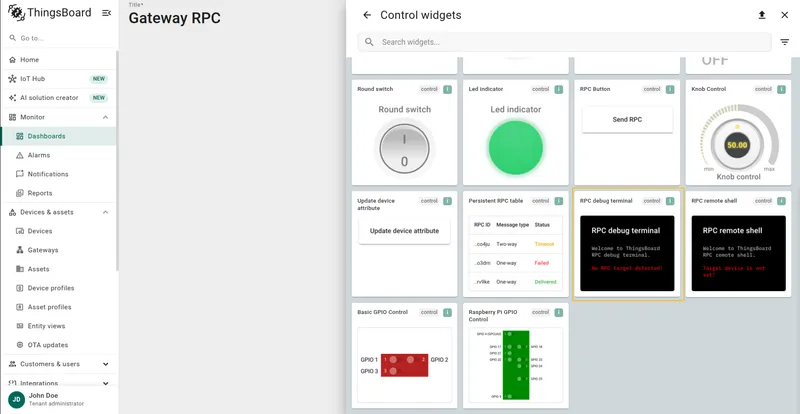
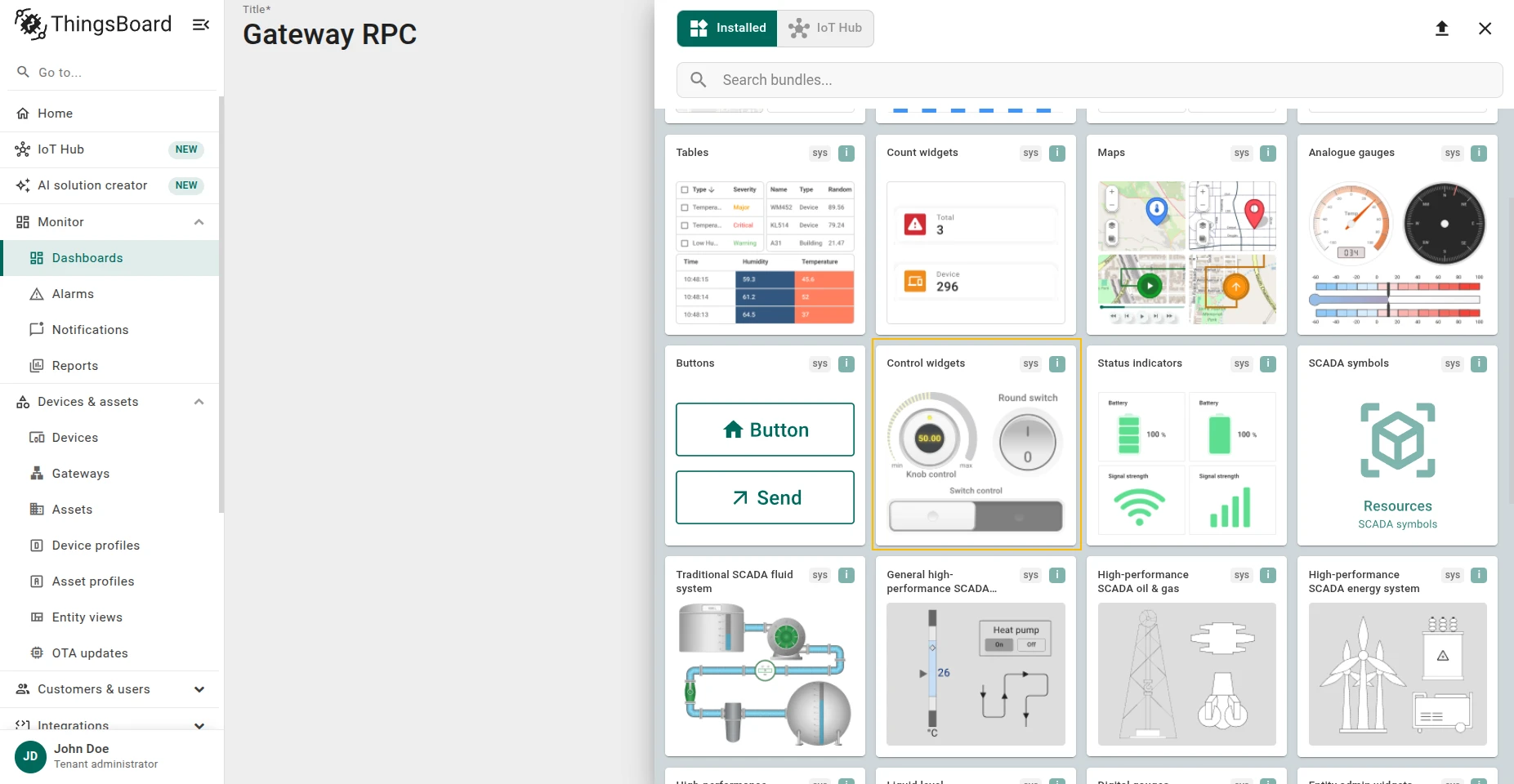
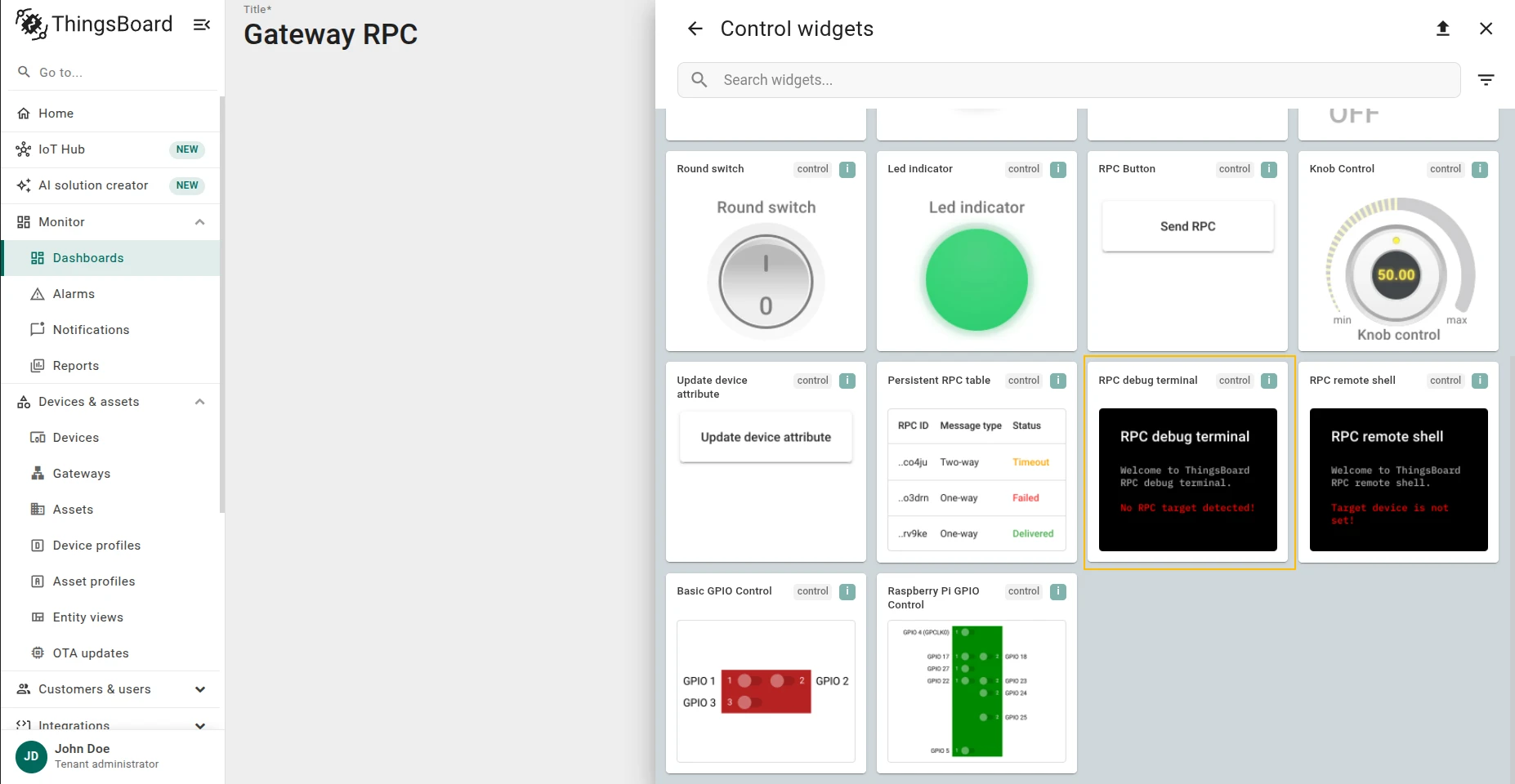
Select the Control widgets bundle.
-
Scroll down and select the RPC debug terminal widget.
-
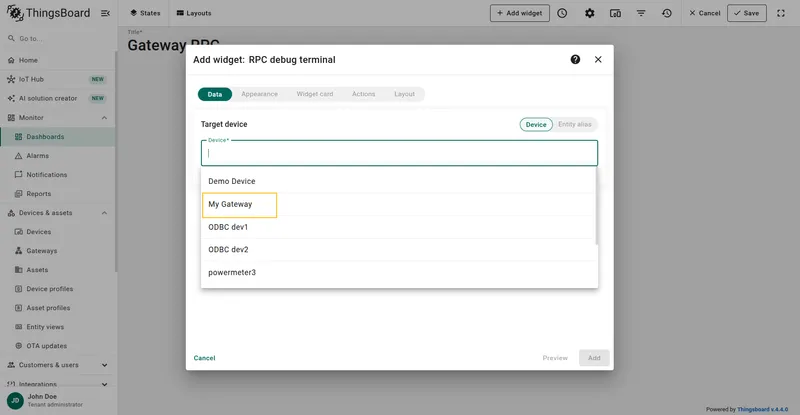
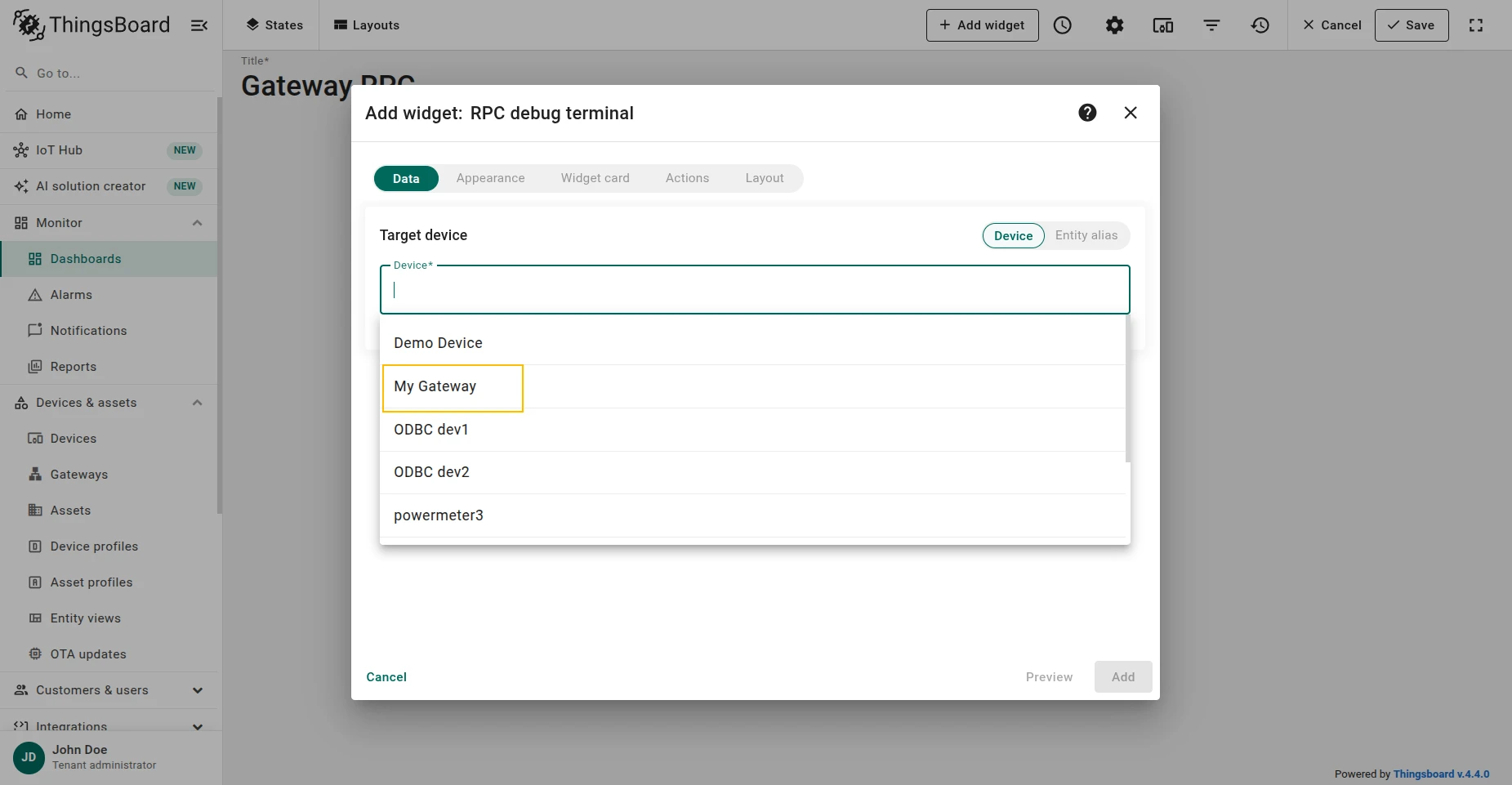
Select your gateway device from the list.
-
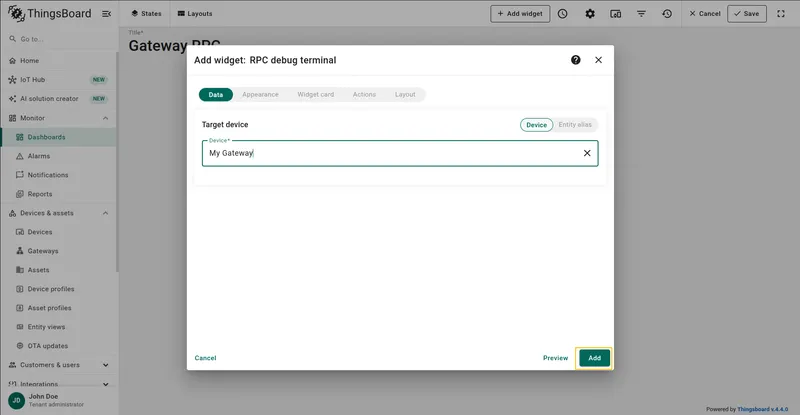
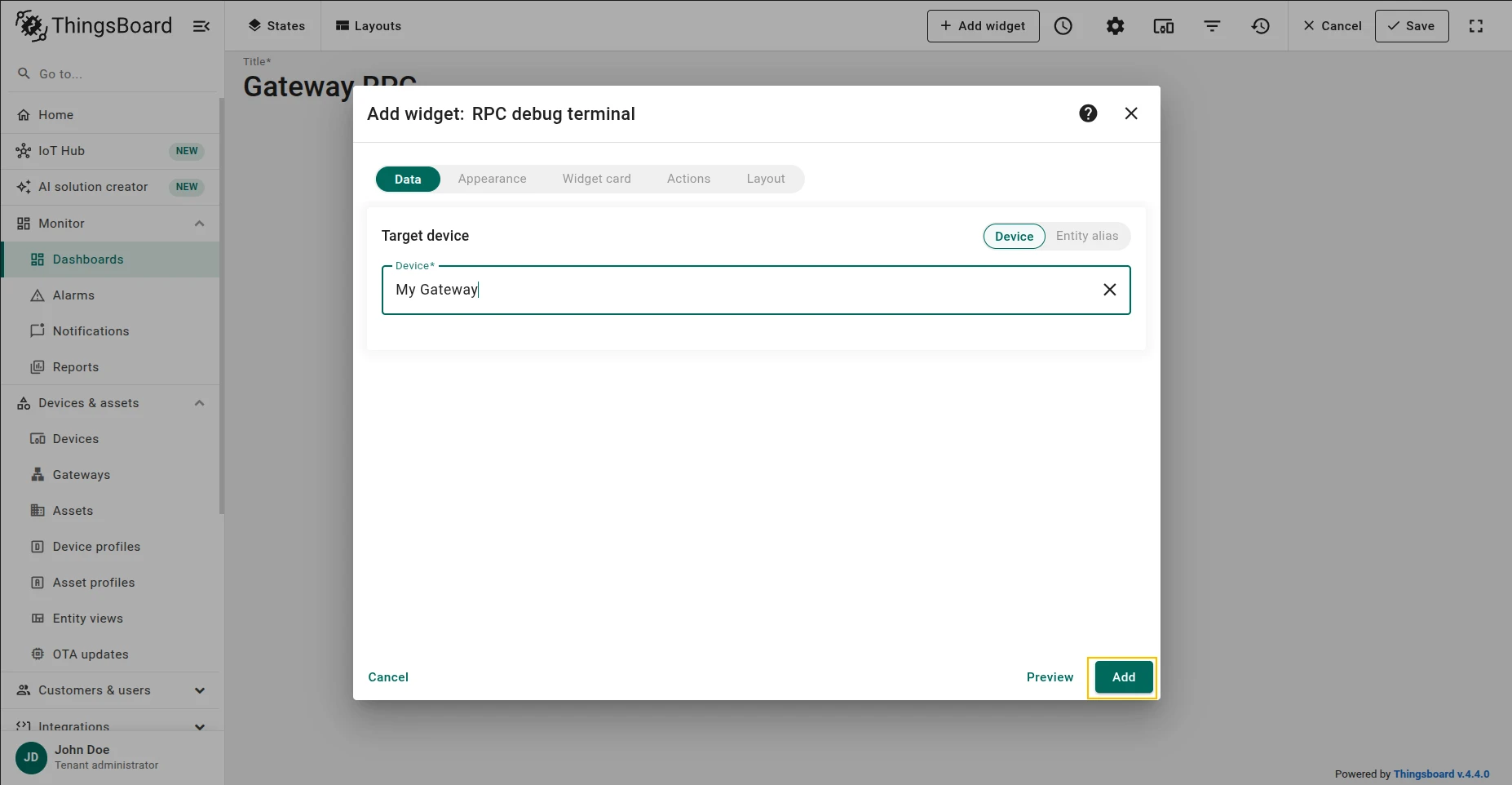
Apply all changes.
-
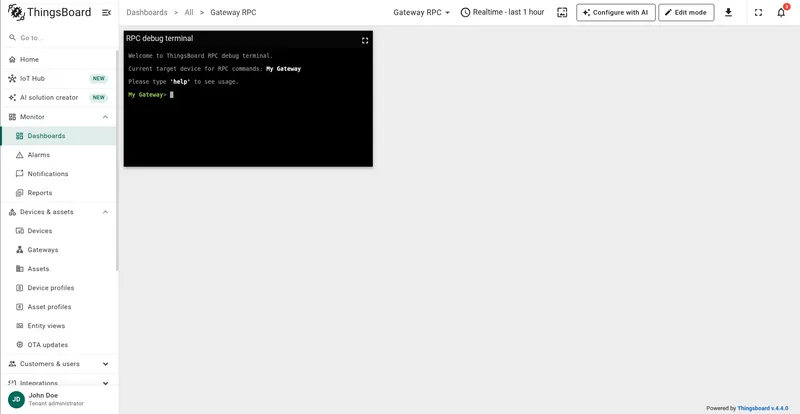
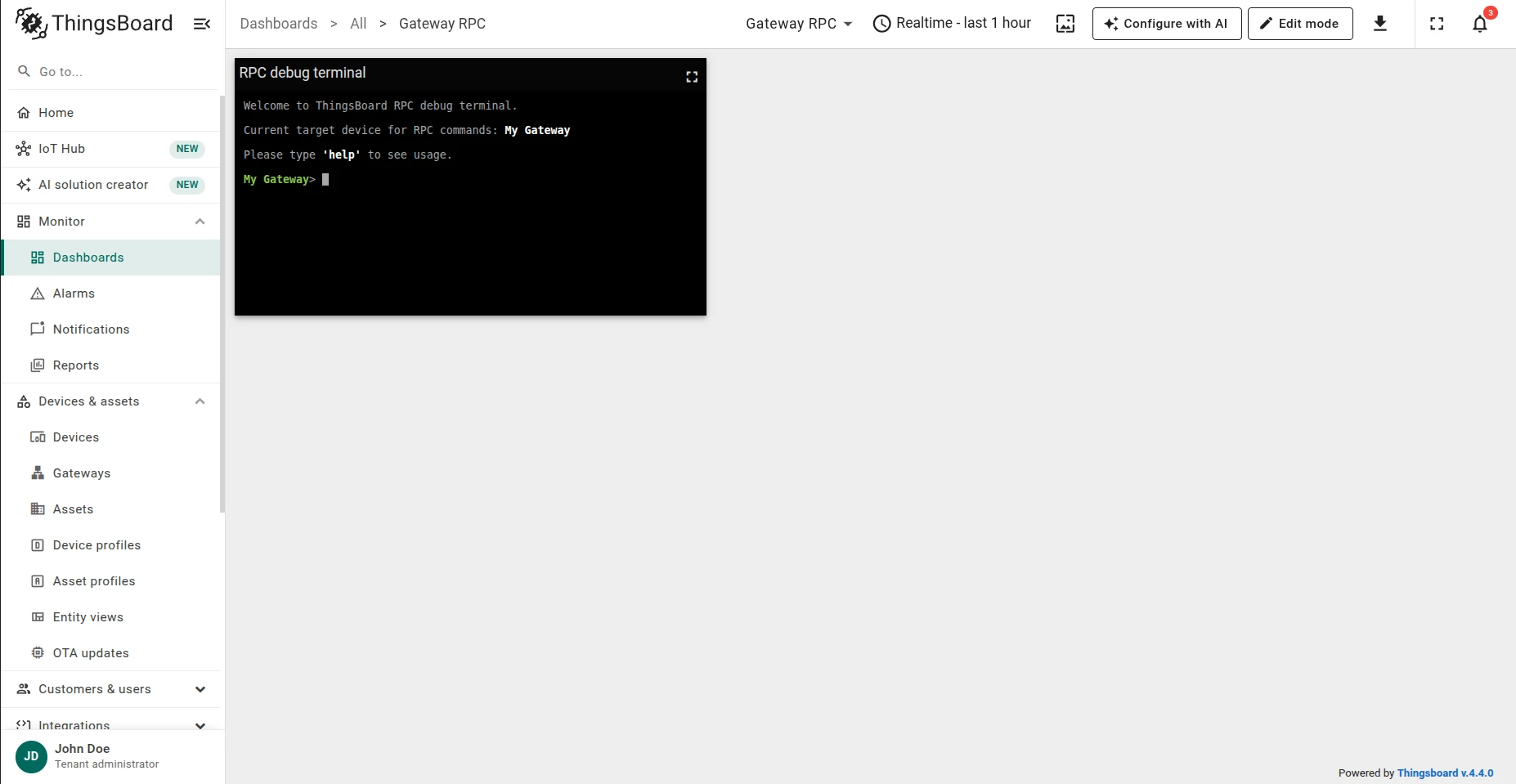
The widget connects automatically. You can now send RPC requests to the gateway from the terminal.
Step 2. Service RPC Methods
Section titled “Step 2. Service RPC Methods”Every command prefixed with gateway_ is interpreted as a service command directed at the gateway
itself rather than at a connected device or connector.
gateway_ping
Section titled “gateway_ping”Checks the connection to the gateway and confirms that RPC processing is active.
gateway_pingResponse:
{ "code": 200, "resp": "pong"}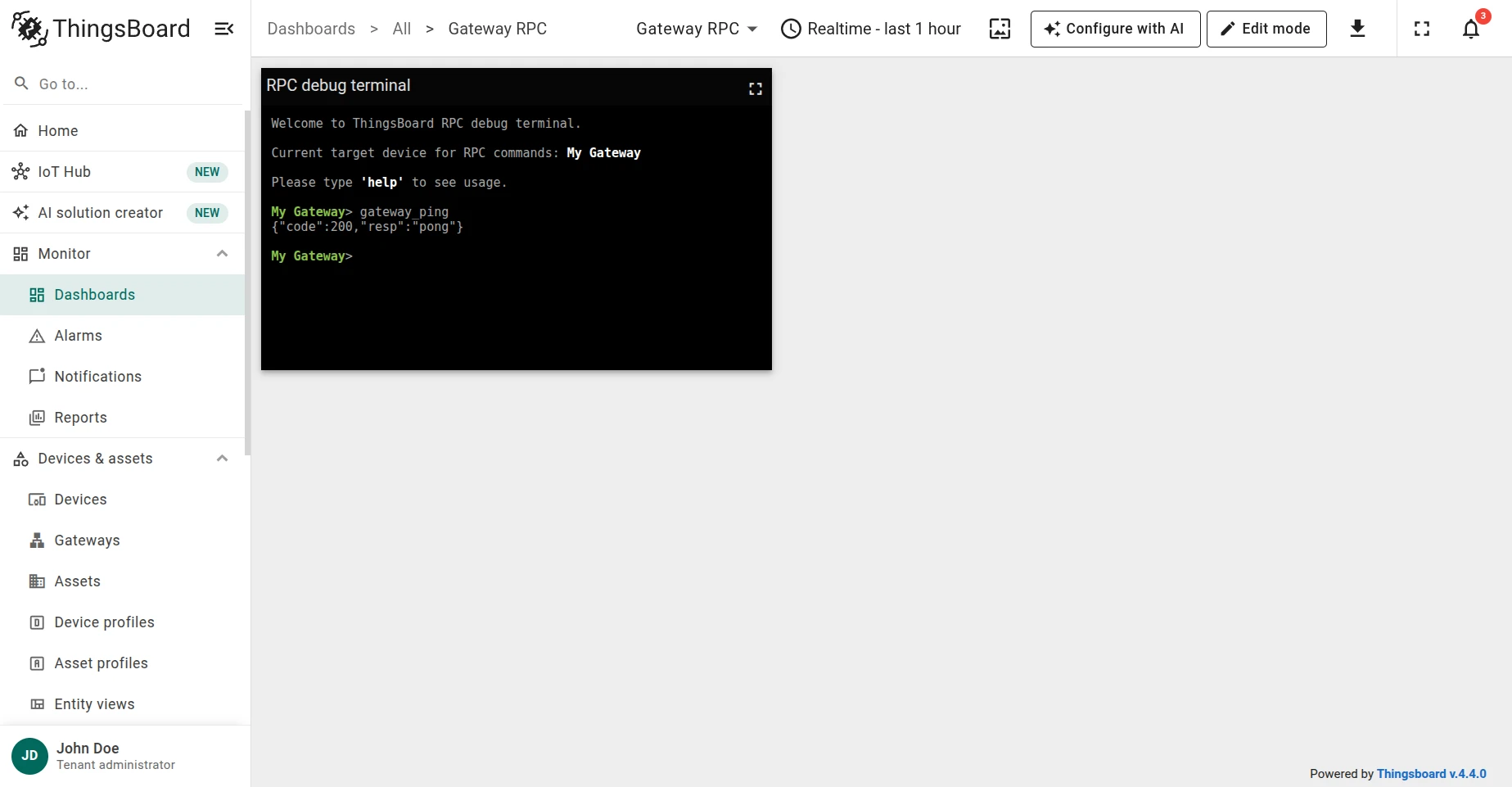
gateway_devices
Section titled “gateway_devices”Lists all devices currently connected through the gateway. The response is a key-value map where each key is the device name and the value identifies the connector it is connected through.
gateway_devicesResponse:
{ "code": 200, "resp": { "Device Number One": "OPC-UA Connector" }}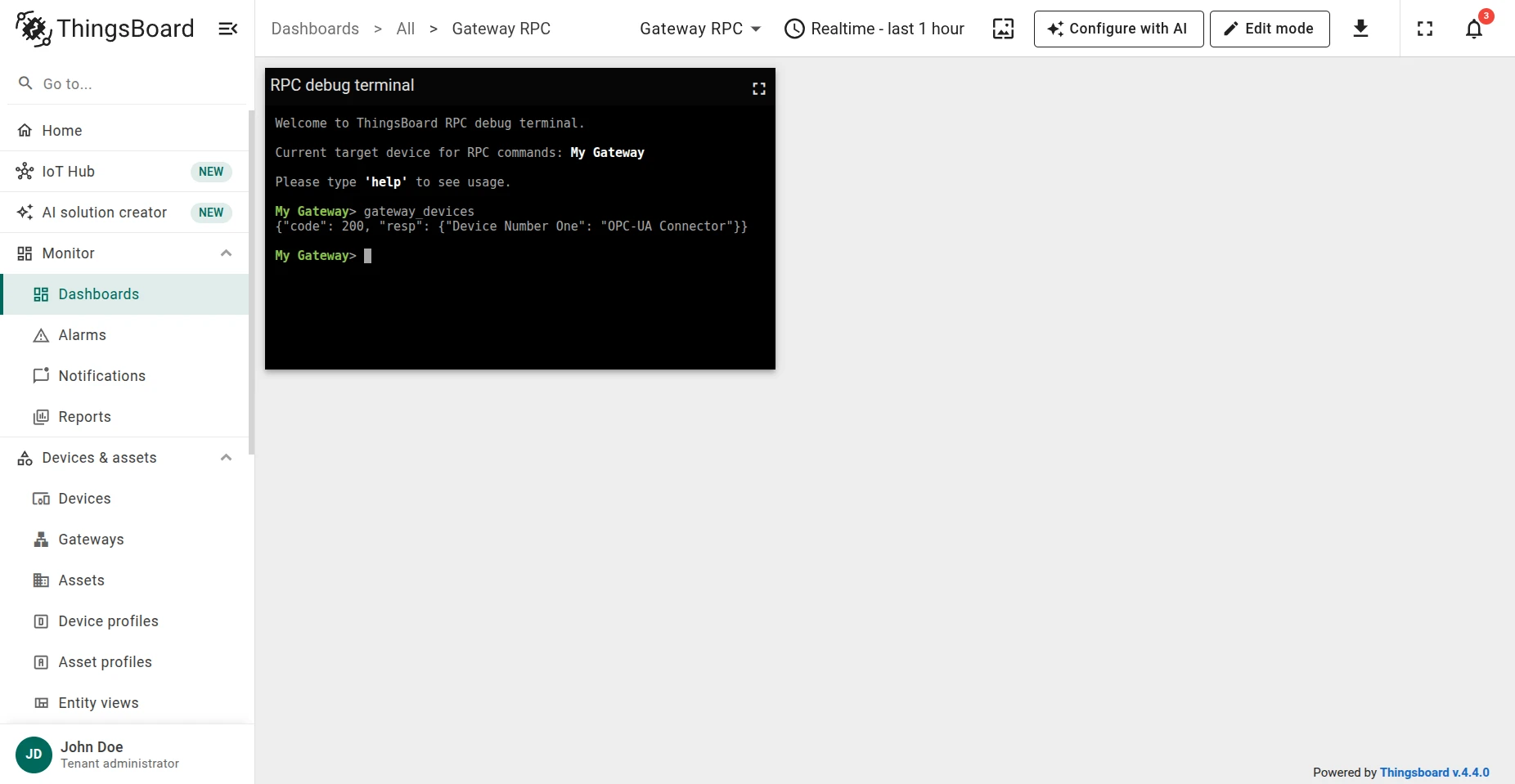
gateway_restart
Section titled “gateway_restart”Schedules a restart of the gateway service after a specified delay in seconds. The response is returned immediately after the task is added to the scheduler — before the restart actually occurs.
gateway_restart 60Response:
{"success": true}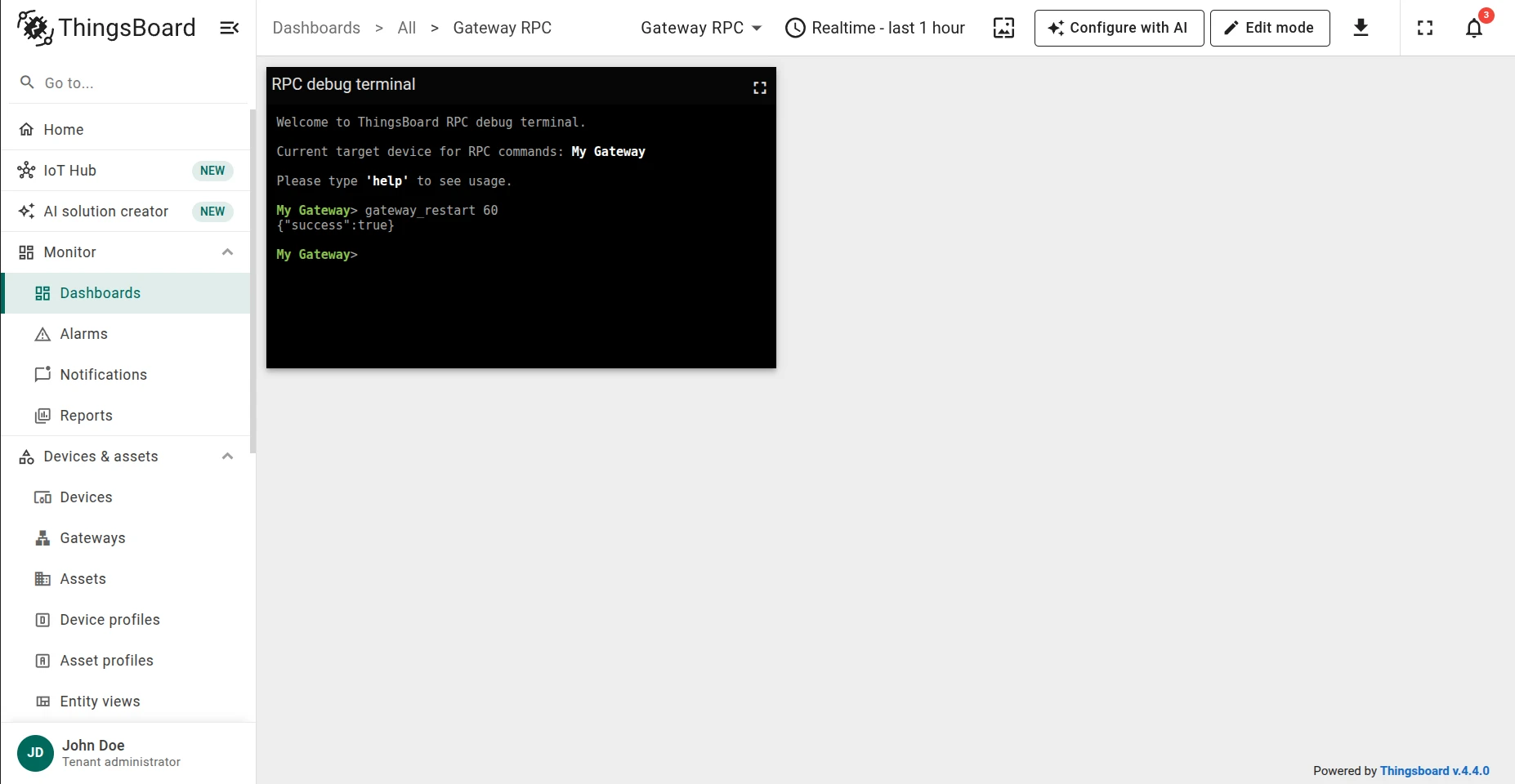
gateway_reboot
Section titled “gateway_reboot”Schedules a full hardware reboot of the gateway machine after a specified delay in seconds.
gateway_reboot 60Response (returned as soon as the task is scheduled, before the reboot):
{"success": true}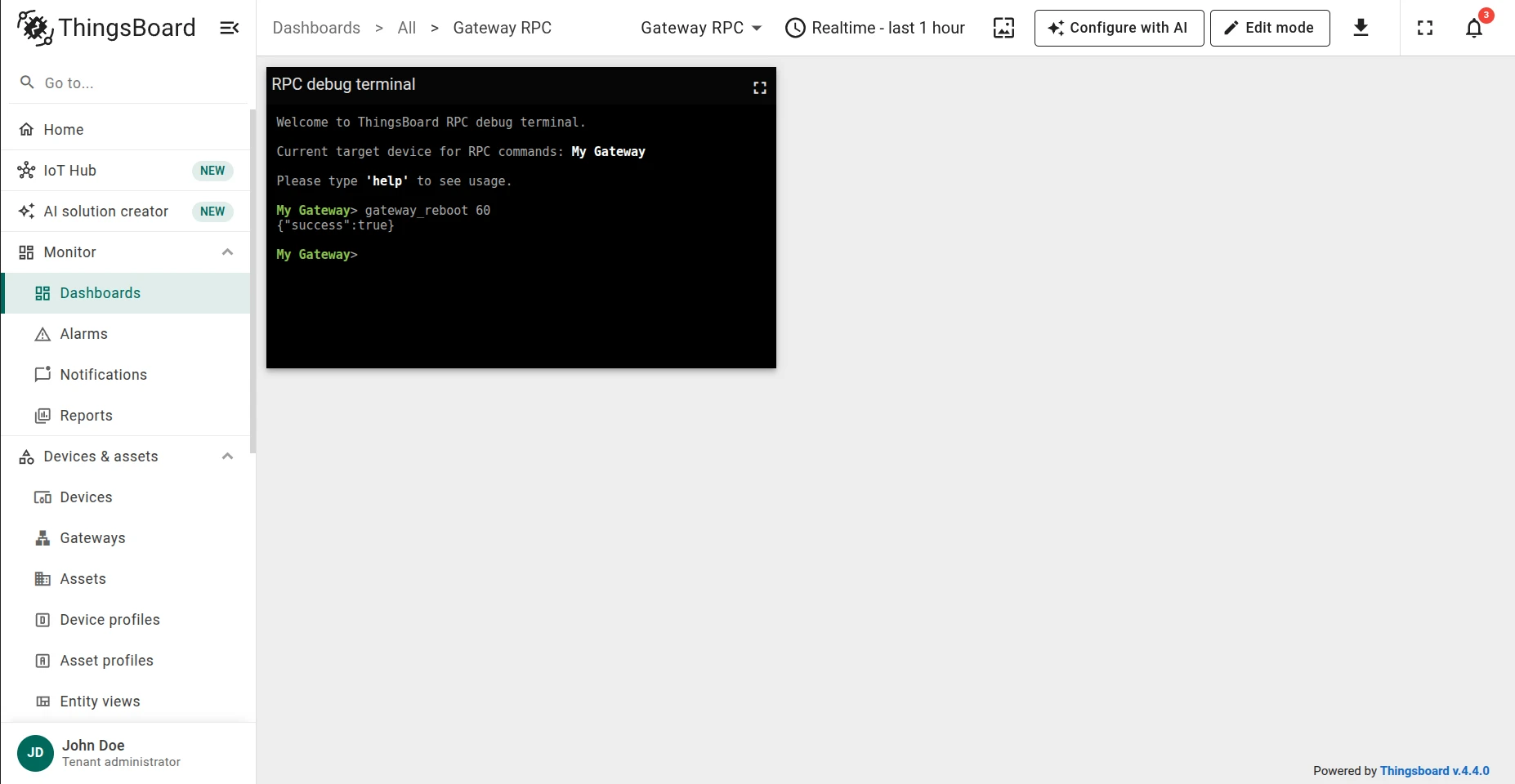
gateway_remove_provisioned_credentials
Section titled “gateway_remove_provisioned_credentials”Removes the device credentials from the gateway’s config folder. If device provisioning is enabled, the gateway will automatically re-provision itself on the next startup.
gateway_remove_provisioned_credentialsResponse:
{"code": 200, "resp": "Provisioned credentials file removed successfully."}Was this helpful?