Step 2. Enable remote logging
To view gateway and connector logs on the platform side, you need to enable remote logging. For this purpose, use the following steps:
-
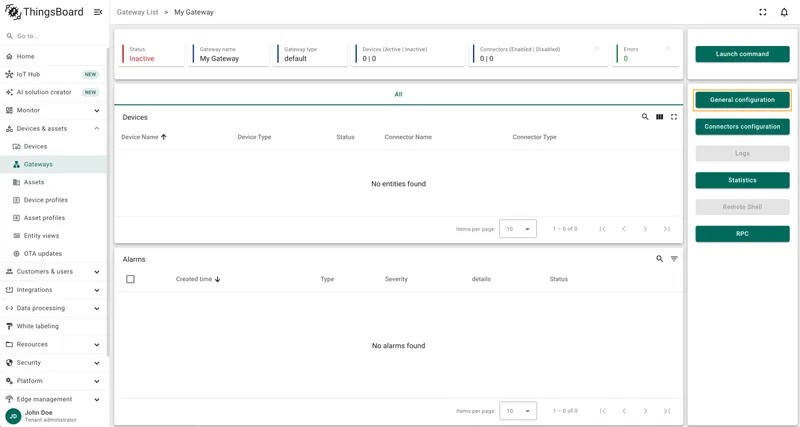
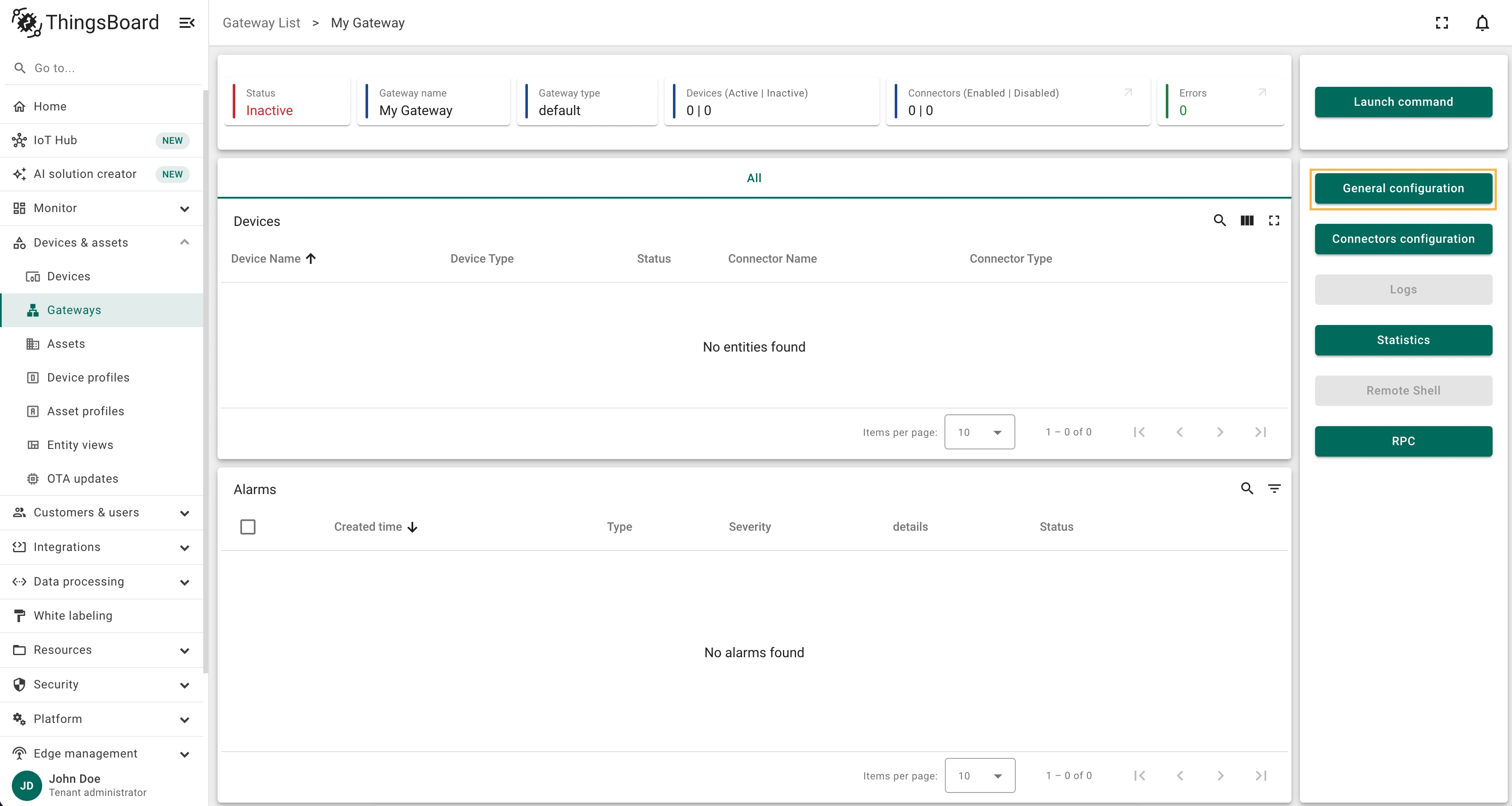
On the selected gateway page, click on the General configuration button on the right panel.
-
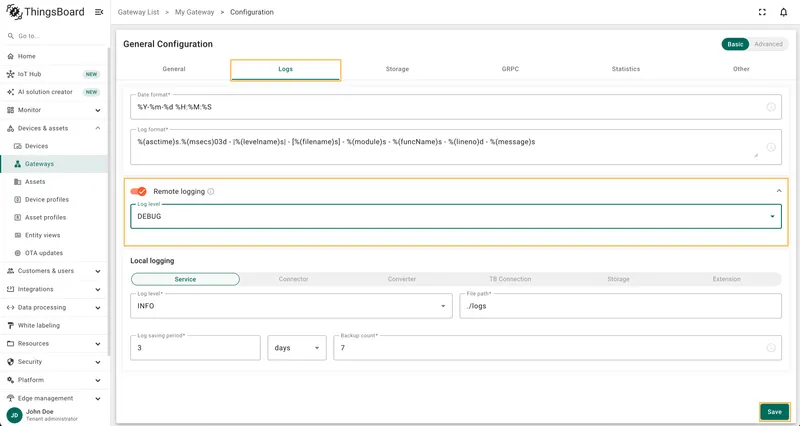
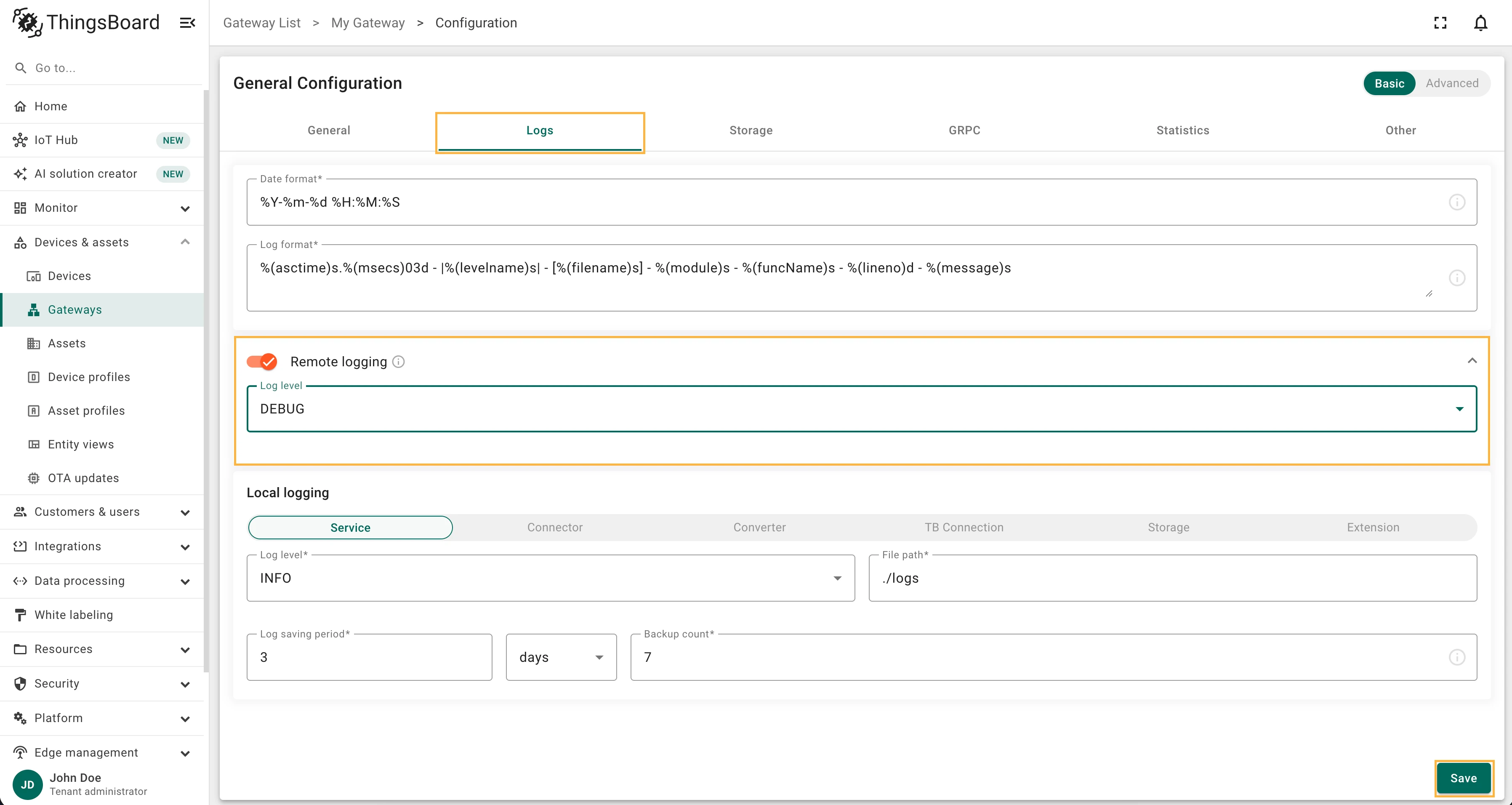
Navigate to the Logs tab. Enable the Remote logging toggle. Select DEBUG in the Log level drop-down menu. Click on the Save button to apply changes.
Checklist for Moving On
Section titled “Checklist for Moving On”Was this helpful?
Thank you for your feedback!