
Retained messages
Retained messages is an MQTT feature that allows storing the “last known good” message for a particular topic on the broker and delivering the message to a client whenever the client subscribes to a matching topic.
Key properties of retained messages:
- Only one message can be stored per topic.
- Each new message replaces the previous one.
- A message with an empty payload clears the retained message for that topic.
- Subscribers receive only the last retained message upon subscribing.
Retained messages usage
Section titled “Retained messages usage”When a client subscribes to a topic, it typically only receives messages published after the subscription. With retained messages, the broker stores the last message sent to a topic and delivers it to any new subscriber immediately, even if it was published before the subscription was made.
Good use cases:
- Initial state information — if subscribers need the last known value upon connection, retained messages are ideal. For example, in a temperature monitoring system, new subscribers receive the last reported temperature immediately, without waiting for the next update.
- Critical configuration or status updates — for topics carrying important configuration data or device status, retained messages ensure newly connected clients receive the current state immediately, such as “Device Online” or “Service in Maintenance”.
- Last Will and Testament (LWT) integration — retained messages work well alongside LWT messages. A retained message can announce the current availability of a device; if the device disconnects unexpectedly, the LWT updates this status accordingly.
- Persistent commands or instructions — if you publish control commands that need to persist until a client receives them (e.g., turning on a device), retained messages ensure the command is available to any subscriber that connects.
When to avoid:
- High-frequency data streams where storing every value adds no value — the latest data will naturally arrive with the next publish.
- Topics carrying transient or sensitive events that should not be replayed to new subscribers, such as one-time notifications or alerts.
- Large payloads that would waste broker memory unnecessarily.
Publish retained message
Section titled “Publish retained message”In MQTT, a retained message is a regular PUBLISH message with the retained flag set to true.
To publish a retained message, use the -r flag with mosquitto_pub:
mosquitto_pub -d -h demo.tbmq.io -p 1883 -t demo/topic -m "Hello world" -q 1 -V mqttv5 -D PUBLISH user-property hello world -r -u demomosquitto_pub -d -h localhost -p 1883 -t demo/topic -m "Hello world" -q 1 -V mqttv5 -D PUBLISH user-property hello world -r -u tbmq_websockets_usernameThe -D PUBLISH user-property hello world flag attaches a user property to the message,
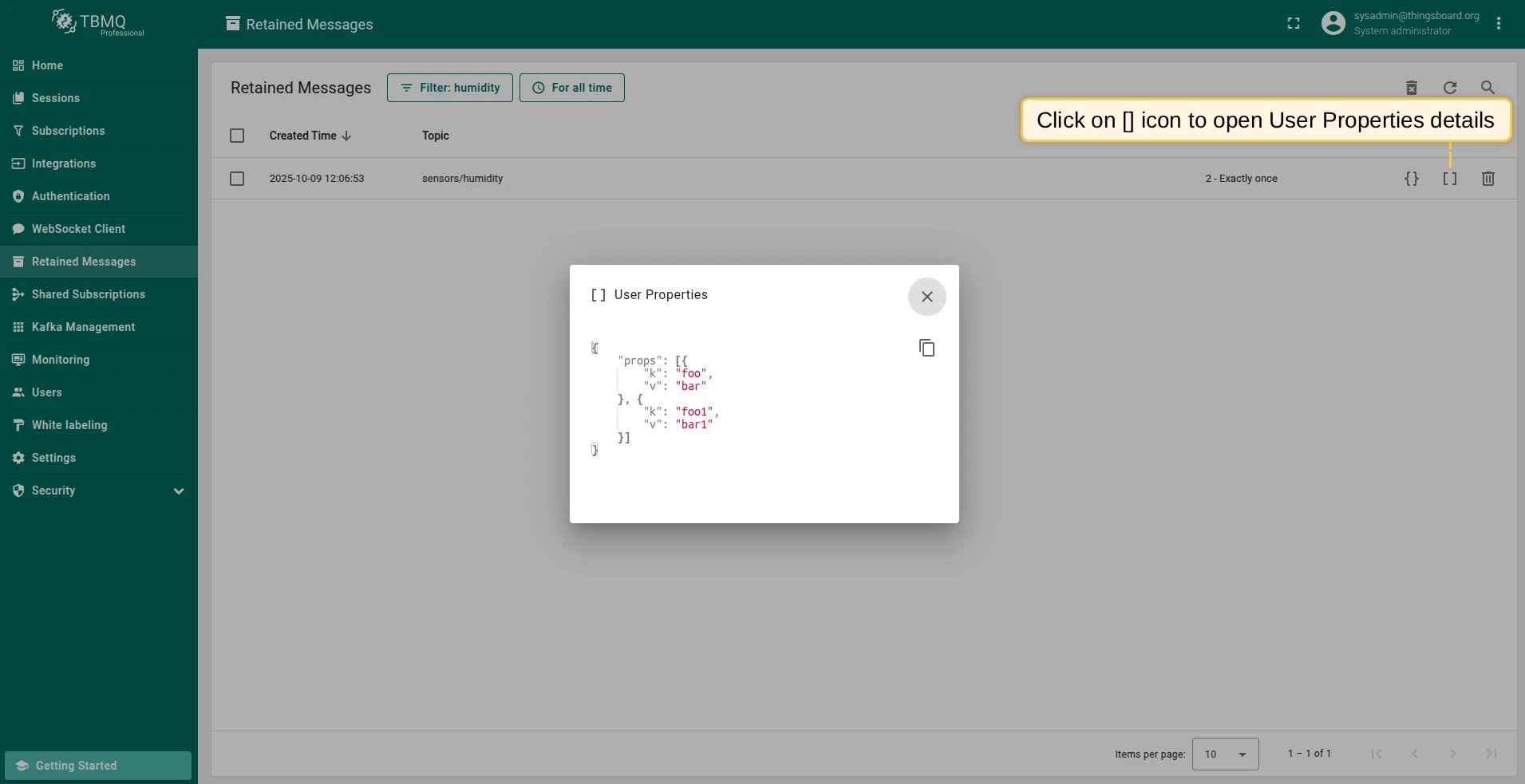
which you can inspect on the Retained Messages page as described in the next section.
Payload and user properties
Section titled “Payload and user properties”You can inspect the payload and user properties of retained messages directly in the TBMQ UI.
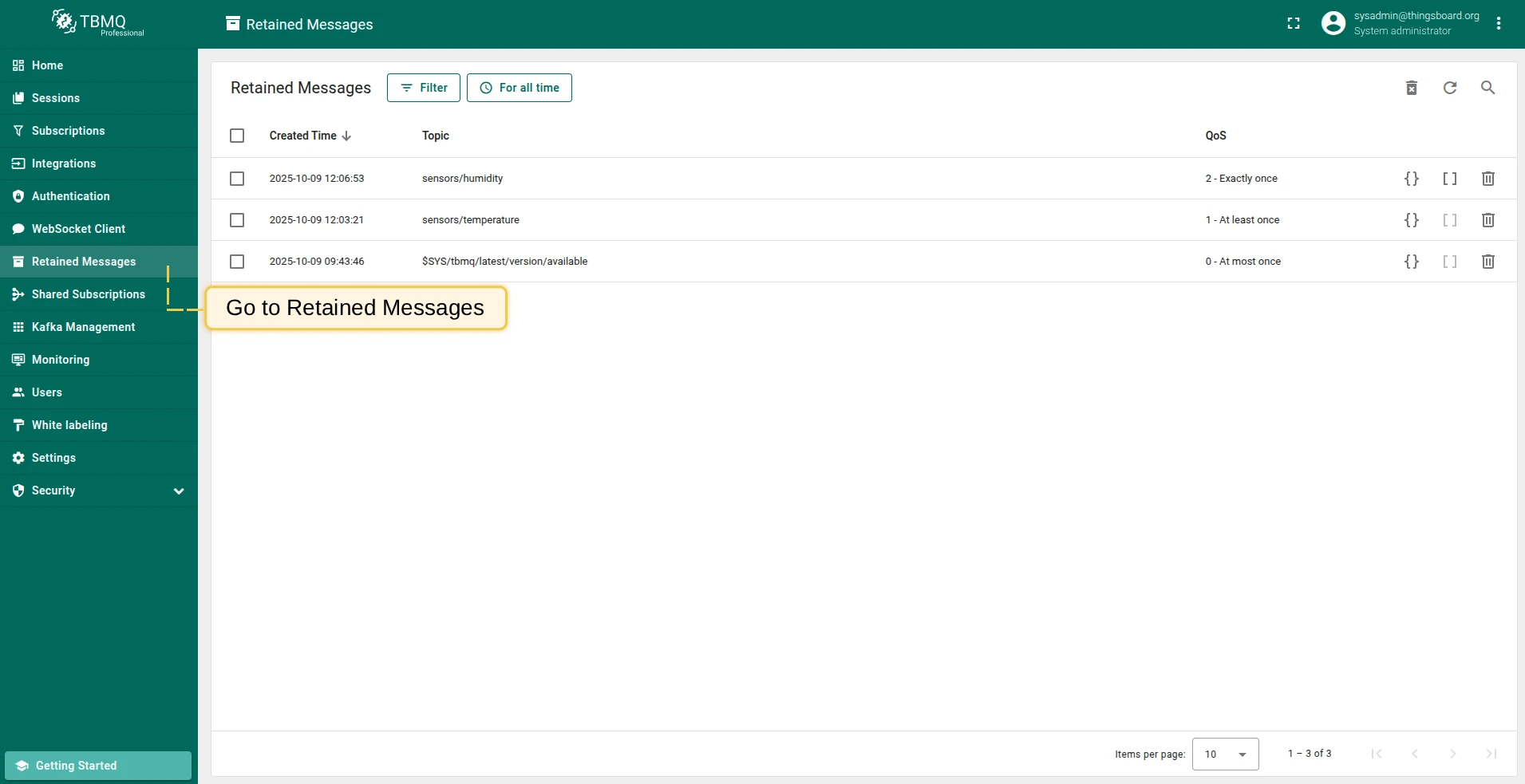
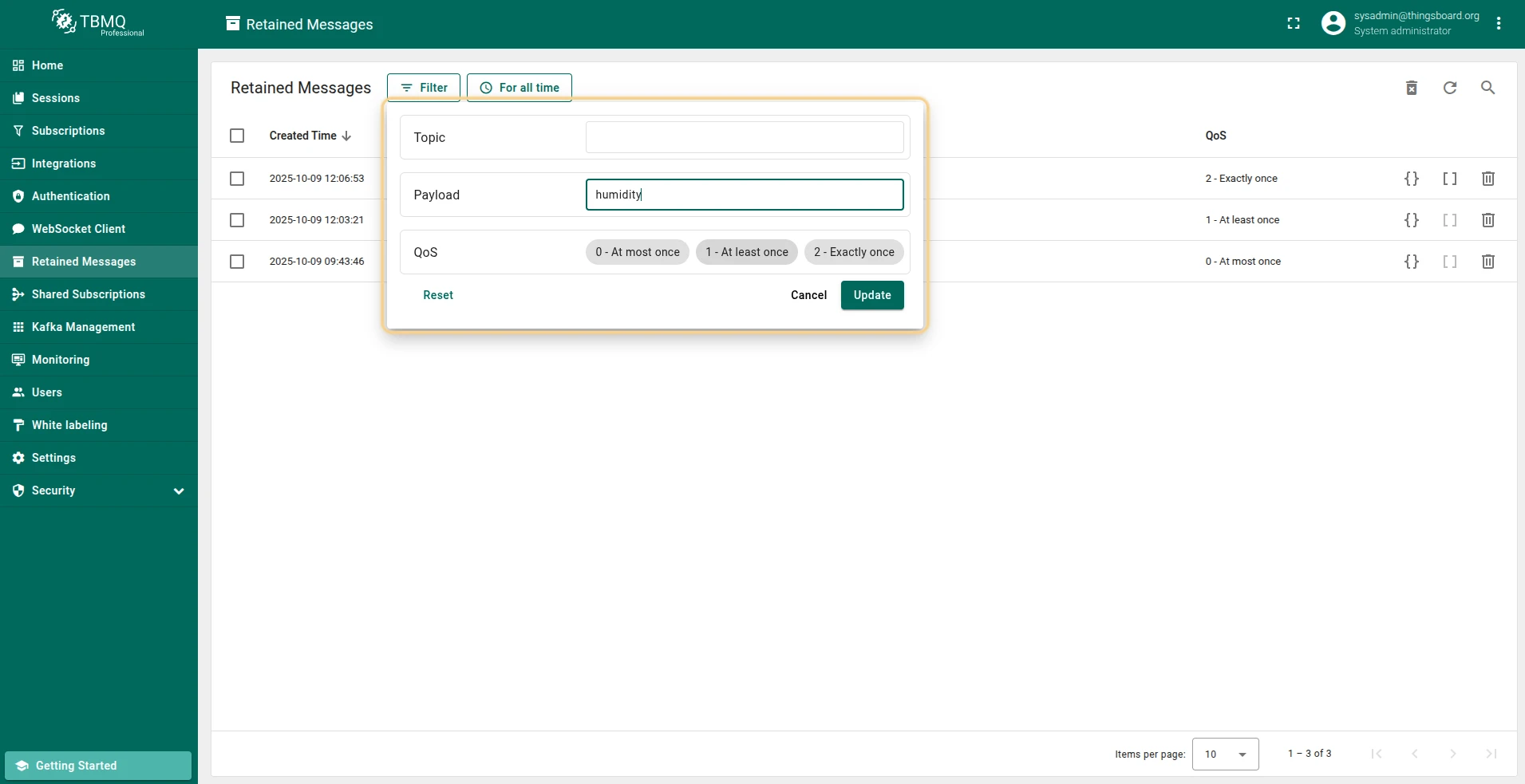
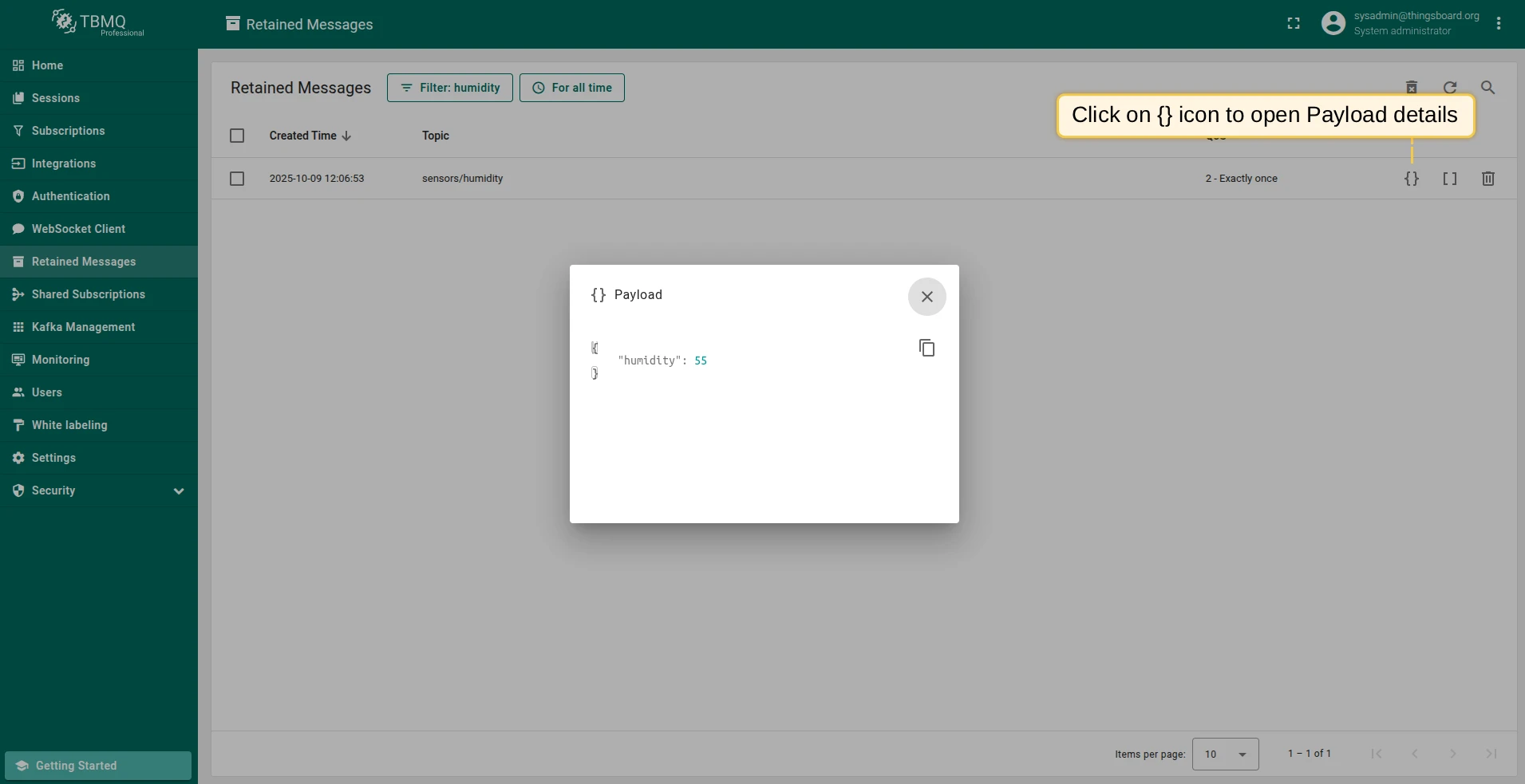
Click the {} icon on a retained message row to view the payload.
Click the [] icon to view user properties. If the icon is disabled, the retained message has no user properties.
Deleting retained messages
Section titled “Deleting retained messages”To delete a retained message, publish a message with an empty (zero-byte) payload to the same topic. After deletion, new subscribers to that topic will no longer receive the previously retained message.
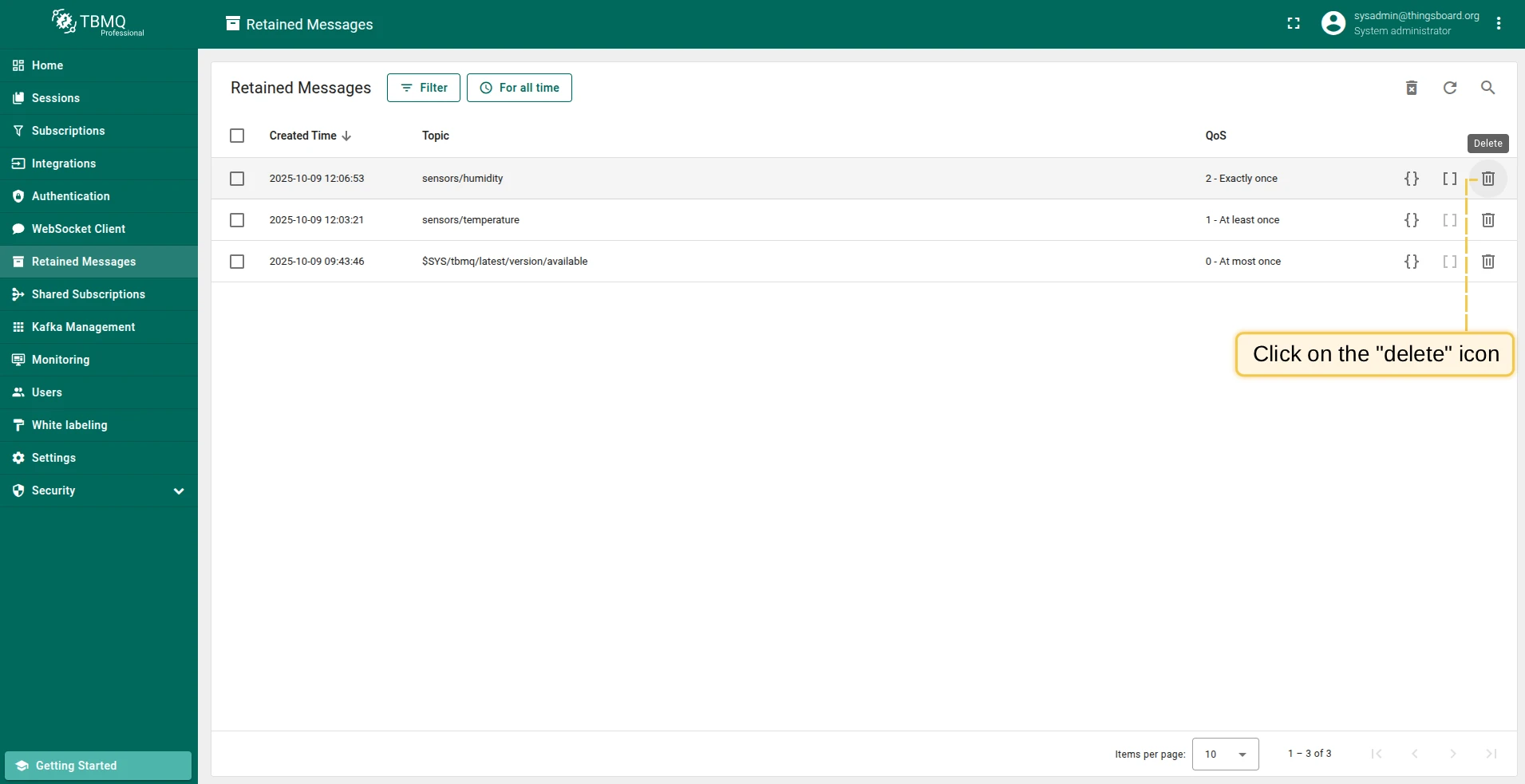
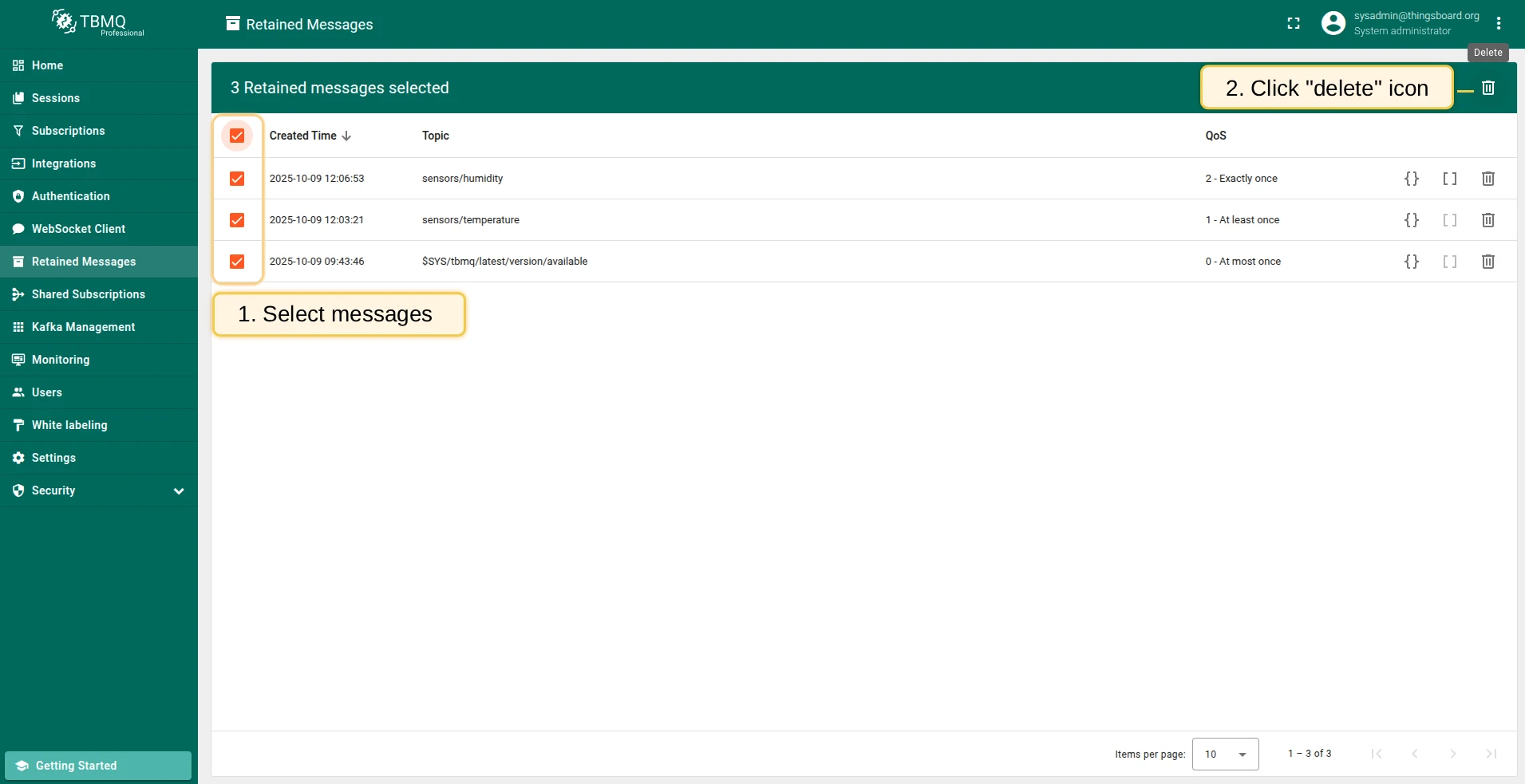
mosquitto_pub -d -h demo.tbmq.io -p 1883 -t demo/topic -q 1 -n -r -u demomosquitto_pub -d -h localhost -p 1883 -t demo/topic -q 1 -n -r -u tbmq_websockets_usernameYou can also delete retained messages from the TBMQ UI — either individually or in bulk:
Clearing empty retained message nodes
Section titled “Clearing empty retained message nodes”TBMQ stores retained messages internally using a trie (prefix tree) data structure, where each node represents a topic level. This allows the broker to quickly locate and retrieve retained messages based on the topic filter provided by a subscribing client.
When retained messages are deleted, the topic nodes that held them may remain in the trie as empty nodes. Over time, these empty nodes can accumulate and consume memory unnecessarily. Clearing them frees up memory and improves broker performance — the broker can process messages more quickly when there are fewer empty nodes to search through.
To clean up empty nodes, use the “Clear empty retained messages nodes” button available in the top right corner of the Retained Messages page in the UI.
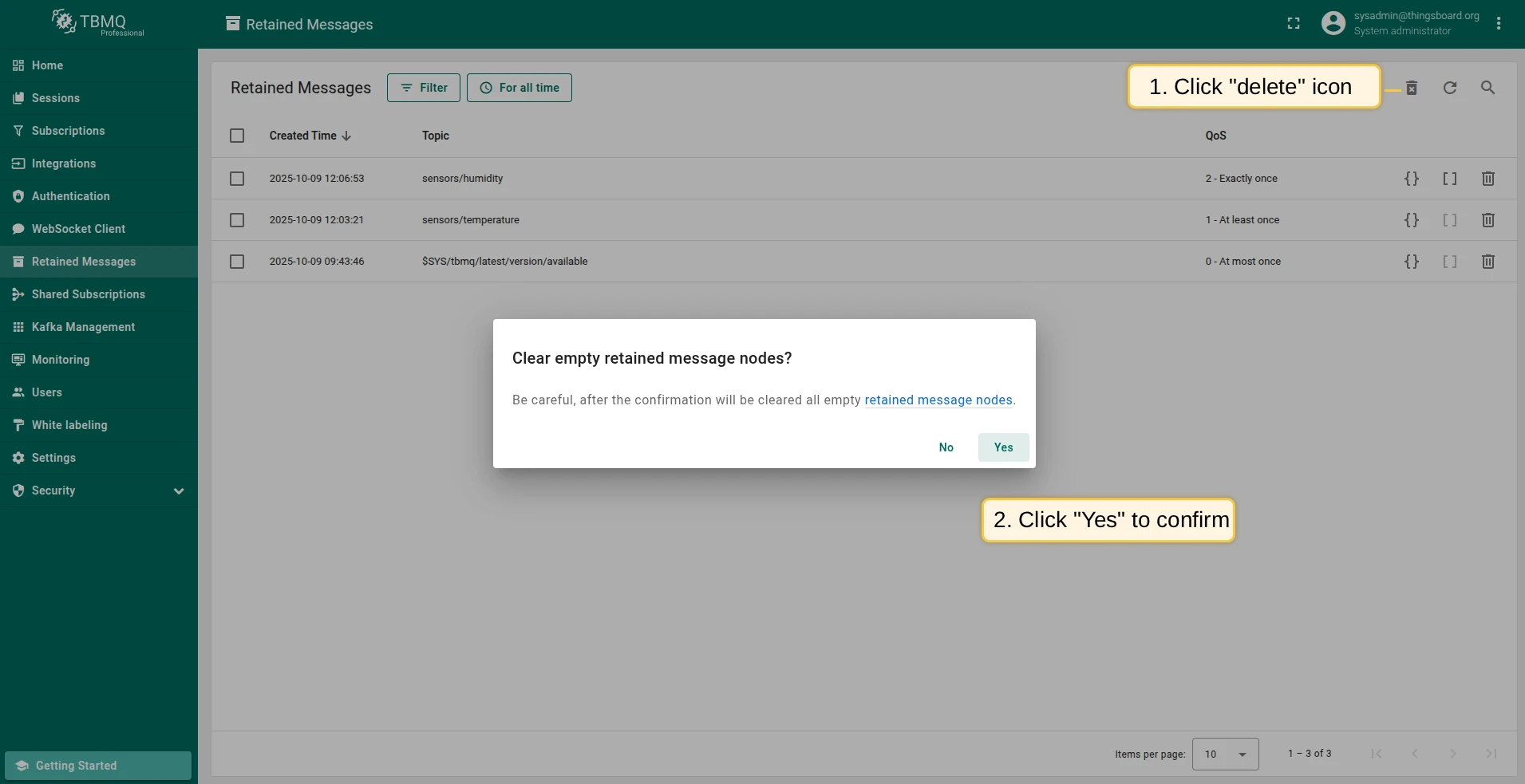
You can also configure automatic cleanup by setting the following environment variables:
MQTT_RETAIN_MSG_TRIE_CLEAR_NODES_CRON— cron expression for the cleanup scheduler.MQTT_RETAIN_MSG_TRIE_CLEAR_NODES_ZONE— time zone for the scheduler.
Was this helpful?