We use cookies for site analytics, to measure our advertising campaigns and, if you allow it, to load the site search from Google. Nothing optional is set until you choose. You can change your choice anytime in Your Privacy Choices at the bottom of every page. Cookie Policy
The Task Service manages and runs background jobs for data processing — scheduling, executing, and monitoring them so that
model training, telemetry saves, anomaly detection, and report generation happen efficiently without blocking the UI.
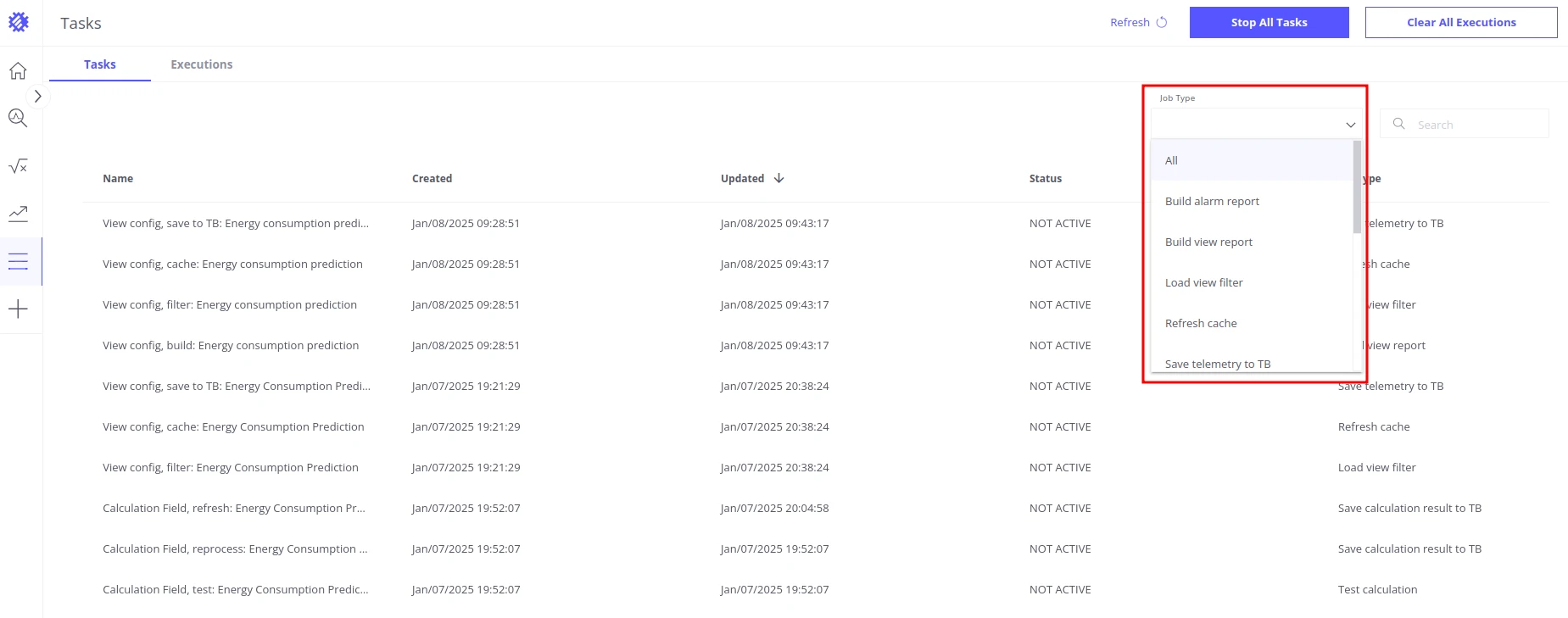
Navigate to Tasks in the main menu to view and control all jobs.
Jobs are grouped by domain. Most jobs are triggered by a user action; a few also support a recurring schedule configured in the relevant feature settings.
Incremental scan triggered automatically when new device or asset types appear in ThingsBoard; uses a cooldown to avoid redundant runs
Refresh cache
On demand or scheduled
Clears and rebuilds the data cache for a view; runs on a configurable periodic or calendar-based schedule when auto-refresh is enabled in view settings
Loads and processes raw telemetry for a view so the chart or table can be rendered
Load view filter
On demand
Fetches the set of available values for a view’s filter fields (e.g., entity names or attribute values)
Save telemetry to TB
On demand or scheduled
Computes aggregated telemetry from a view and writes the results back to ThingsBoard as device attributes or time-series; runs on a configurable schedule when enabled in view settings
Build alarm report
On demand
Evaluates alarm conditions defined in a view and generates the corresponding alarm report
Evaluates a calculation field definition against sample data to verify the formula before saving
Save calculation result to TB
On demand or scheduled
Computes the calculation field values for a time range and writes the results to ThingsBoard; runs on a configurable schedule when auto-refresh is enabled in calculation field settings
Fits a forecasting model on the selected entities’ historical telemetry
Save prediction model result to TB
Scheduled
Extends the forecast using incremental training, then saves the predicted values to ThingsBoard; runs on a configurable schedule configured in prediction model settings
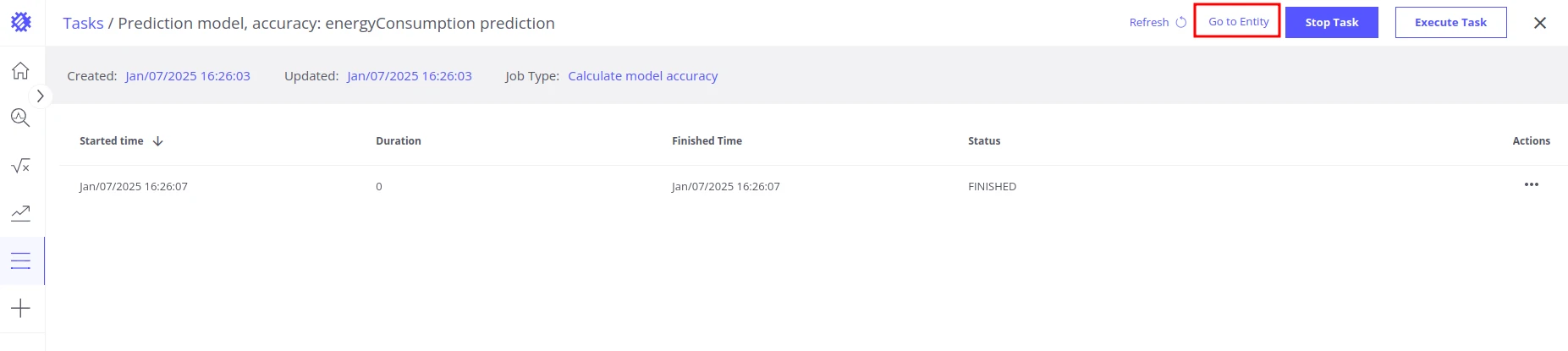
Prediction model accuracy
On demand
Compares the model’s predictions against actual telemetry to report accuracy metrics
Stop All Tasks — immediately stops all currently running task executions. The tasks themselves and their configurations are not affected.
Clear All Executions — removes the execution history for all tasks. Execution records are retained for 3 days. This action only clears history and does not affect future task execution.
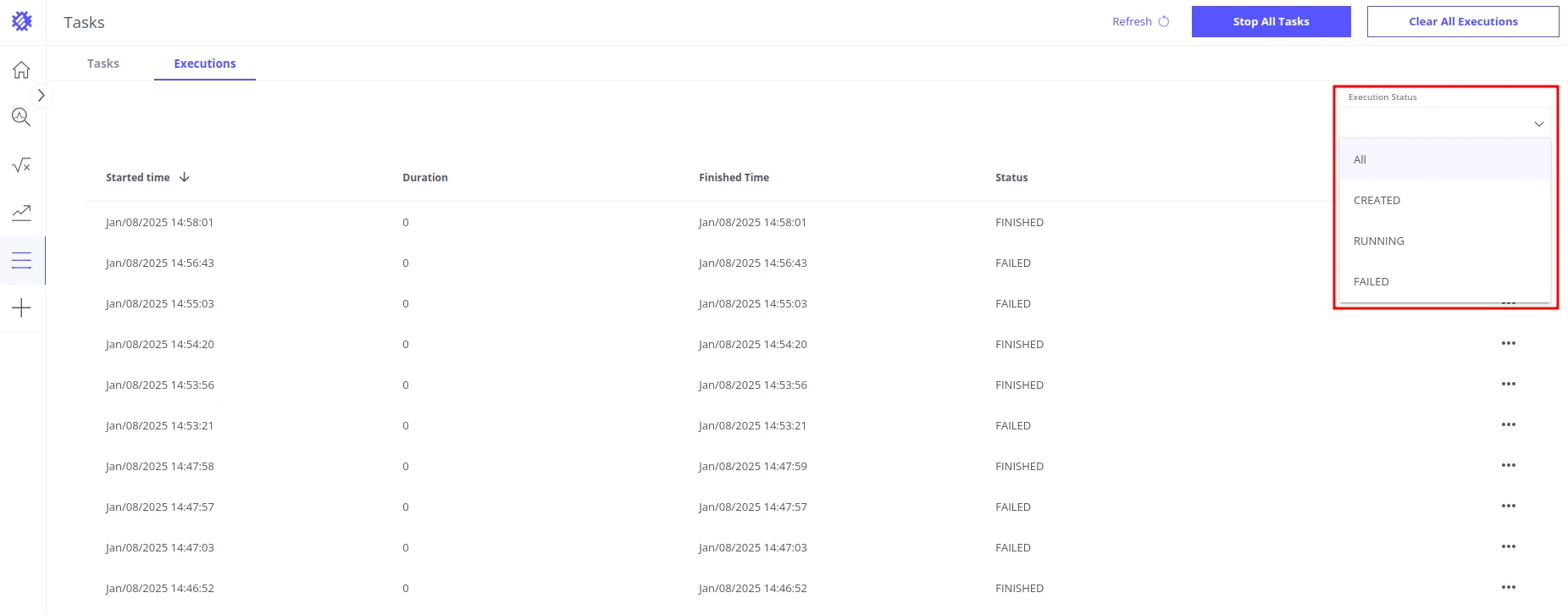
The Executions tab provides a detailed log of all task executions. Filter by status — All, Created, Running, or Failed — to quickly find relevant entries.
For each execution the tab shows: Time Started, Duration, Time Finished, and Status.