Post-Installation Steps
After installing Trendz Analytics, complete the following setup steps to make it ready for use.
Signing Key
Section titled “Signing Key”Trendz uses ThingsBoard’s JWT signing key to authenticate API calls. You must configure this key after installation.
Acquire the signing key
Section titled “Acquire the signing key”-
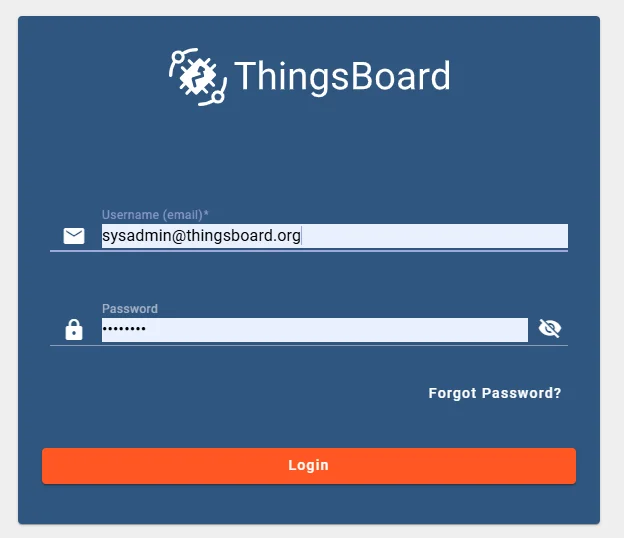
Log in to ThingsBoard as a System Administrator.
-
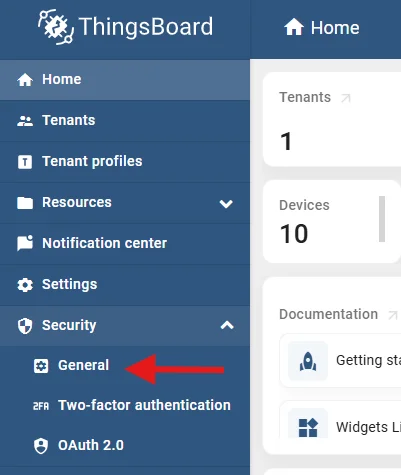
Go to Security → General.
-
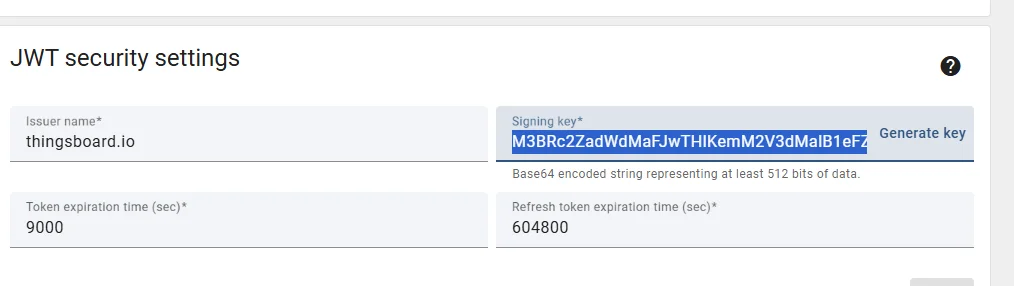
Scroll to the JWT Security Settings section.
-
Copy the value from the Signing key field.
Configure the signing key
Section titled “Configure the signing key”SSH into the server running Trendz and open the configuration file:
sudo nano /etc/trendz/conf/trendz.confAdd the following line at the end of the file, replacing <signing-key> with the value you copied:
export JWT_TOKEN_SIGNING_KEY=<signing-key>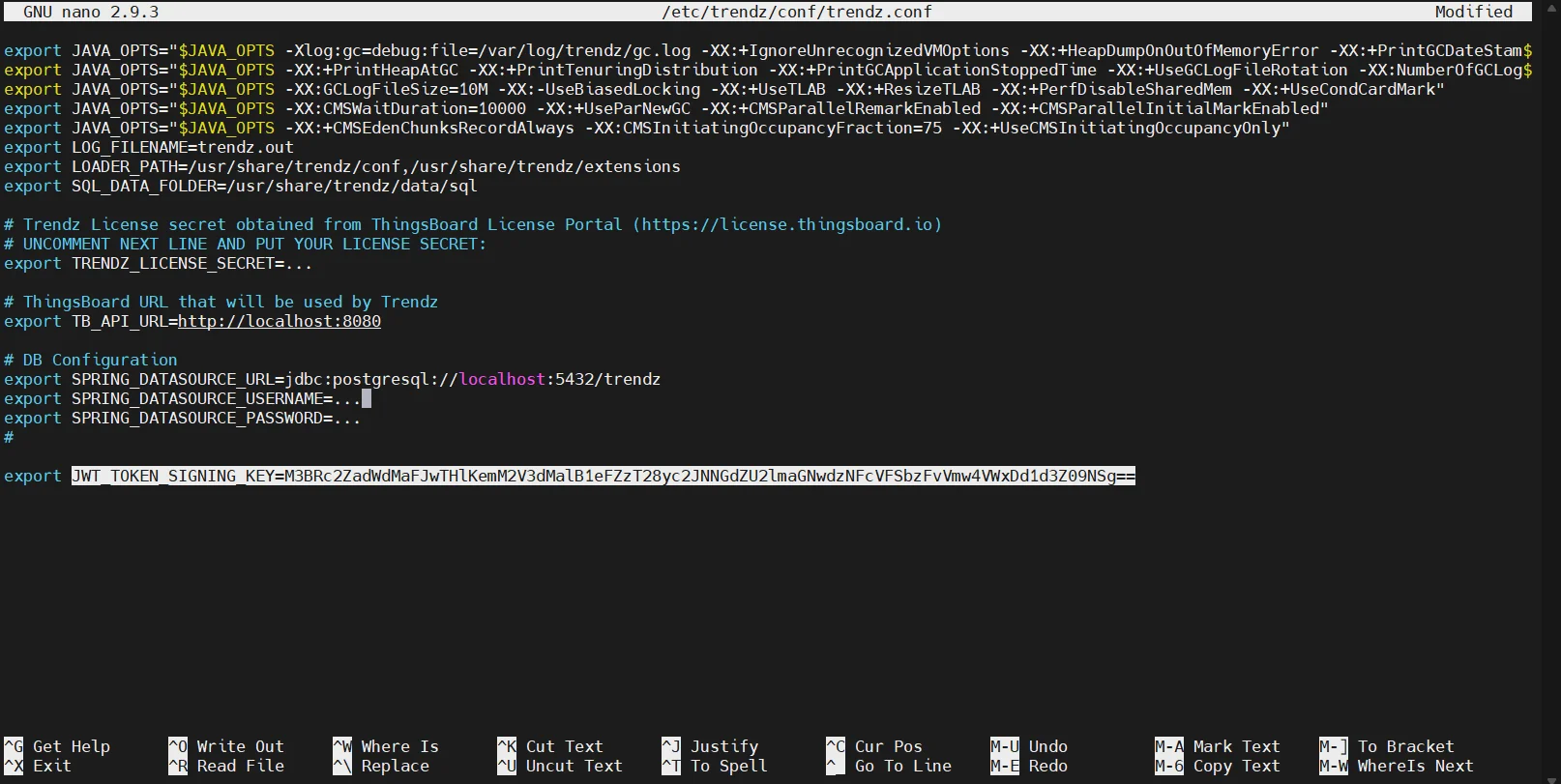
Save the file and restart the Trendz service.
Open your docker-compose.yml and add the environment variable under the trendz service:
environment: JWT_TOKEN_SIGNING_KEY: <signing-key>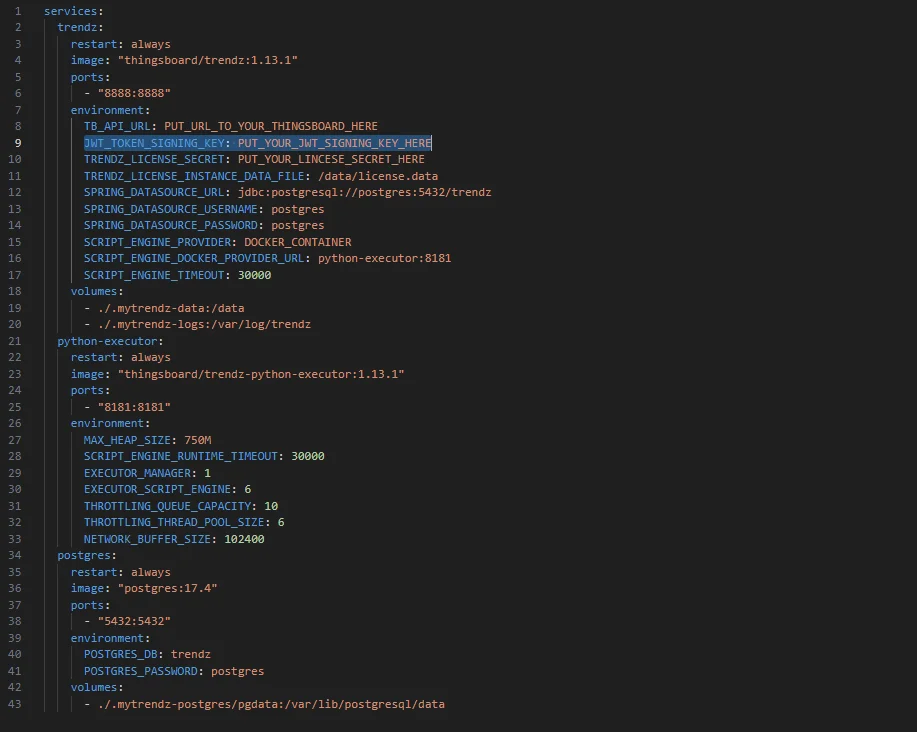
Save the file and restart the Trendz container.
Verify the signing key
Section titled “Verify the signing key”-
Log in to Trendz as a Tenant Administrator.
-
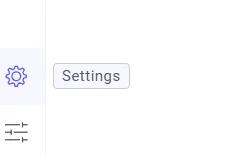
Go to Settings.
-
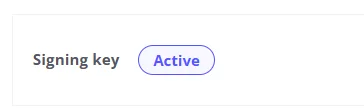
Confirm that the Signing Key field shows Active status.
Read more in the Signing Key settings reference.
Trendz Widget Bundle and JS Module
Section titled “Trendz Widget Bundle and JS Module”These steps add the Trendz widget bundle and JS module to your ThingsBoard installation.
In the Trendz Settings page:
- Trendz Widget Bundle — click Upload bundle. You will see Latest version installed when done.
- Trendz JS Summary Module — click Upload module. You will see Latest version installed when done.
For more details see the Trendz Widget Bundle and JS Summary Module references.
Link to ThingsBoard
Section titled “Link to ThingsBoard”Configure the URL of your ThingsBoard instance in Trendz settings to enable opening dashboards in a new tab directly from Trendz views.
-
Log in to Trendz and go to Settings.
-
Enter the URL of your ThingsBoard instance (e.g.,
https://your-thingsboard-host) in the designated field.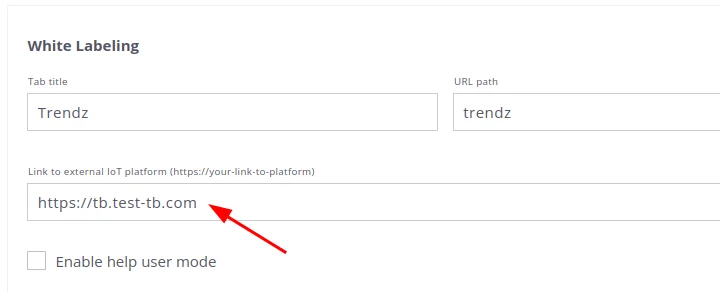
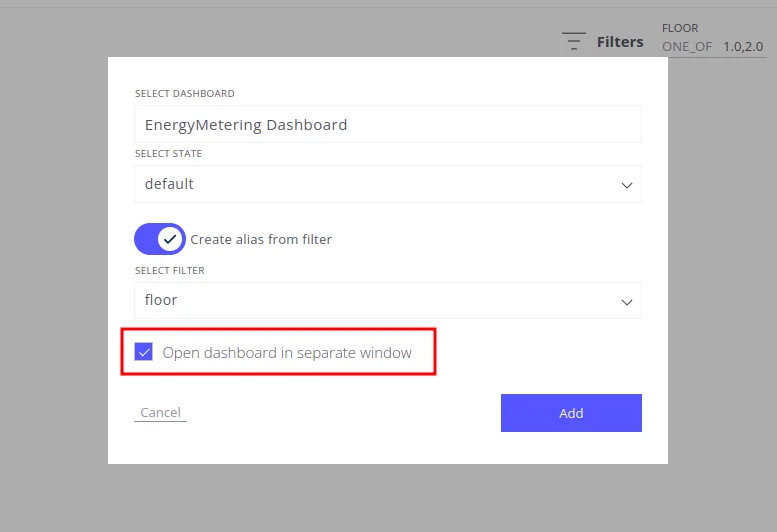
Once configured, you can open the dashboard where a Trendz view was added by enabling Open dashboard in a separate window.
Was this helpful?