Activate Trendz on ThingsBoard Self-Managed
This guide describes how to activate Trendz for a ThingsBoard self-hosted environment via the License Portal.
Activation steps
Section titled “Activation steps”Step 1. Log in to the License Portal
Section titled “Step 1. Log in to the License Portal”-
Open the ThingsBoard License Portal.
-
Sign in with your ThingsBoard account as a sysadmin.
-
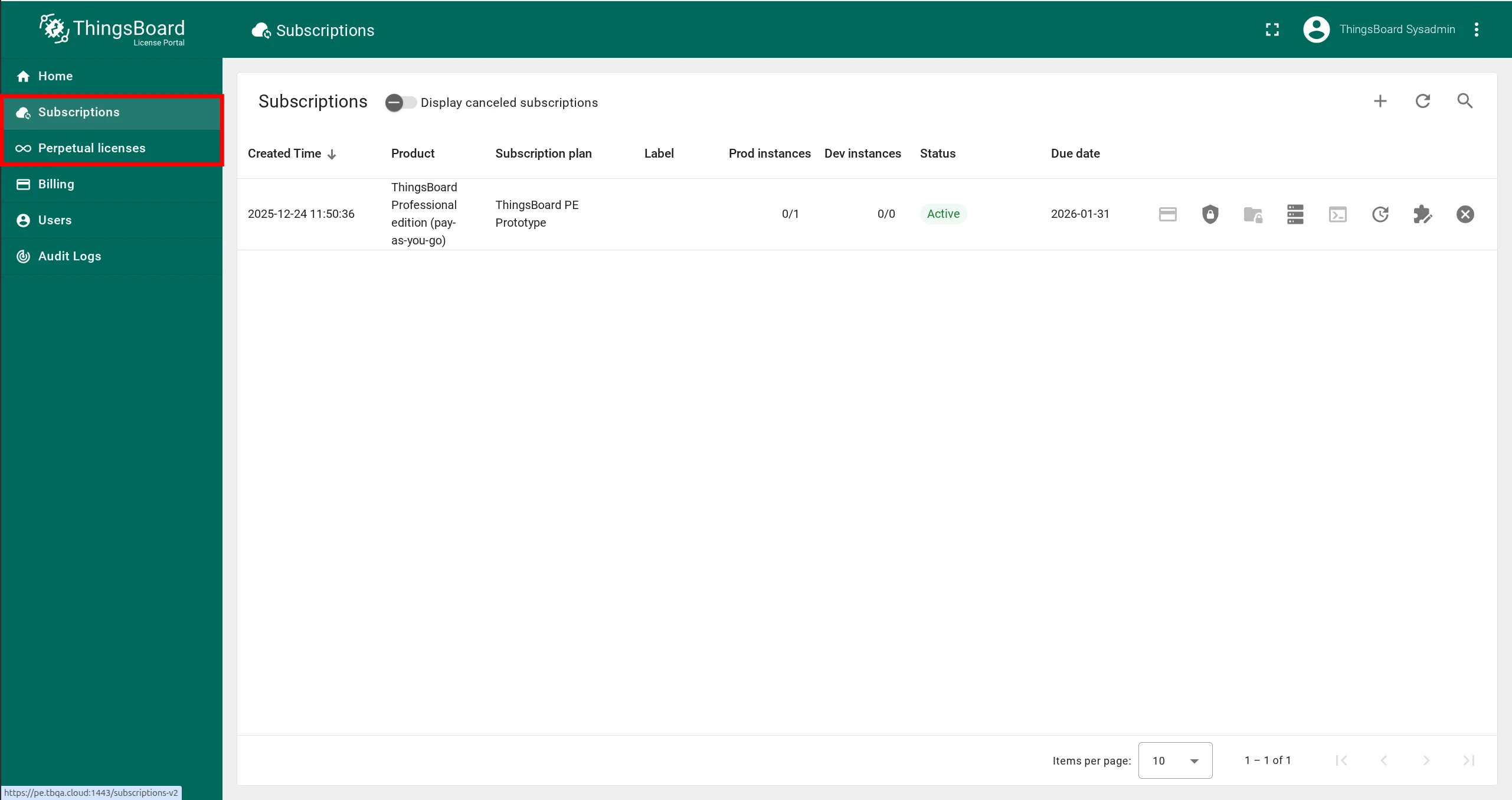
Go to the Subscriptions tab or Perpetual licenses tab, depending on your subscription type.

Step 2. Select instance and enable Trendz add-on
Section titled “Step 2. Select instance and enable Trendz add-on”-
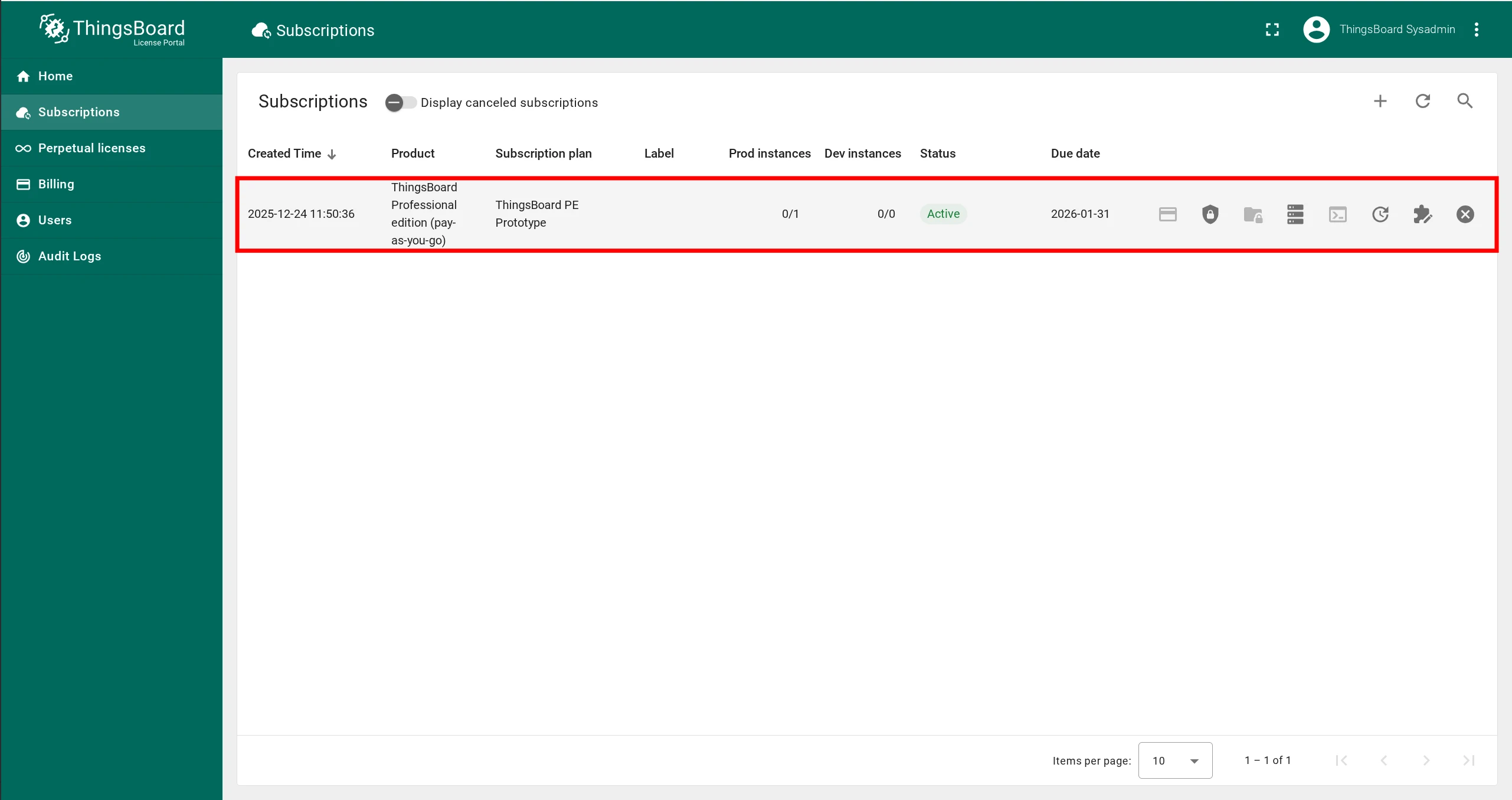
In the list of licensed installations, select the ThingsBoard instance for which you want to enable Trendz.
-
Click on it to open the instance profile.
-
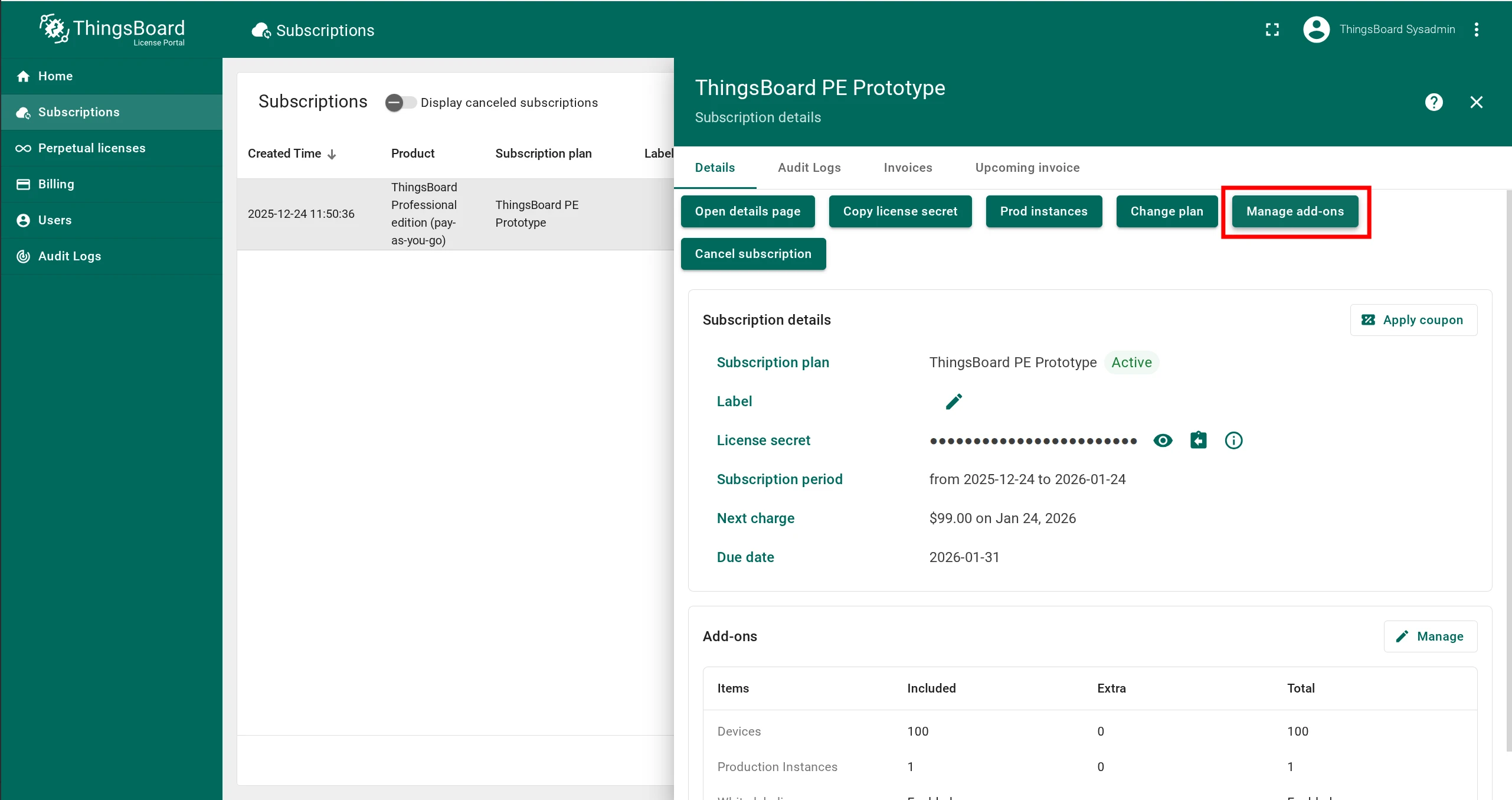
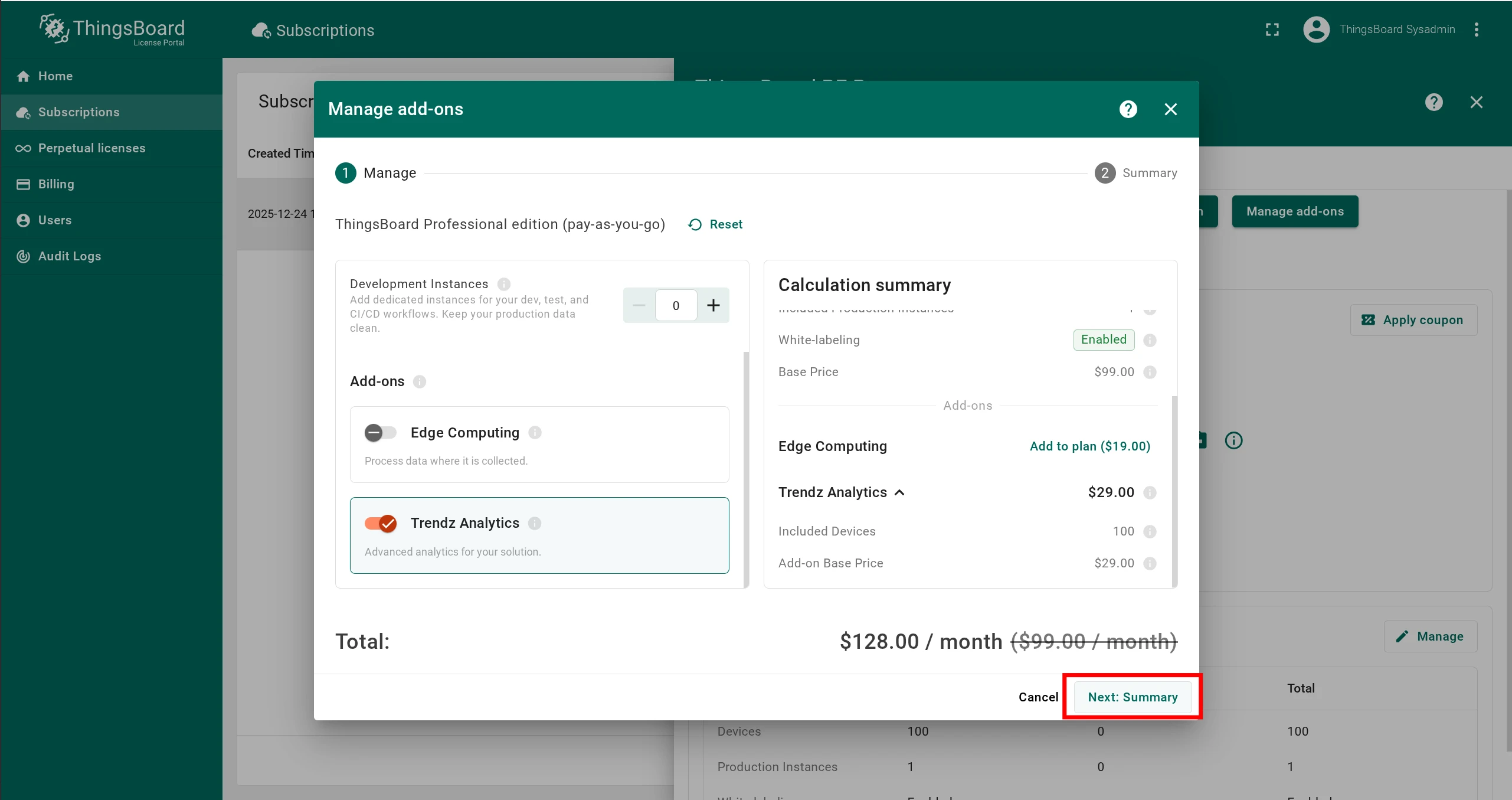
Click Manage Add-ons.
-
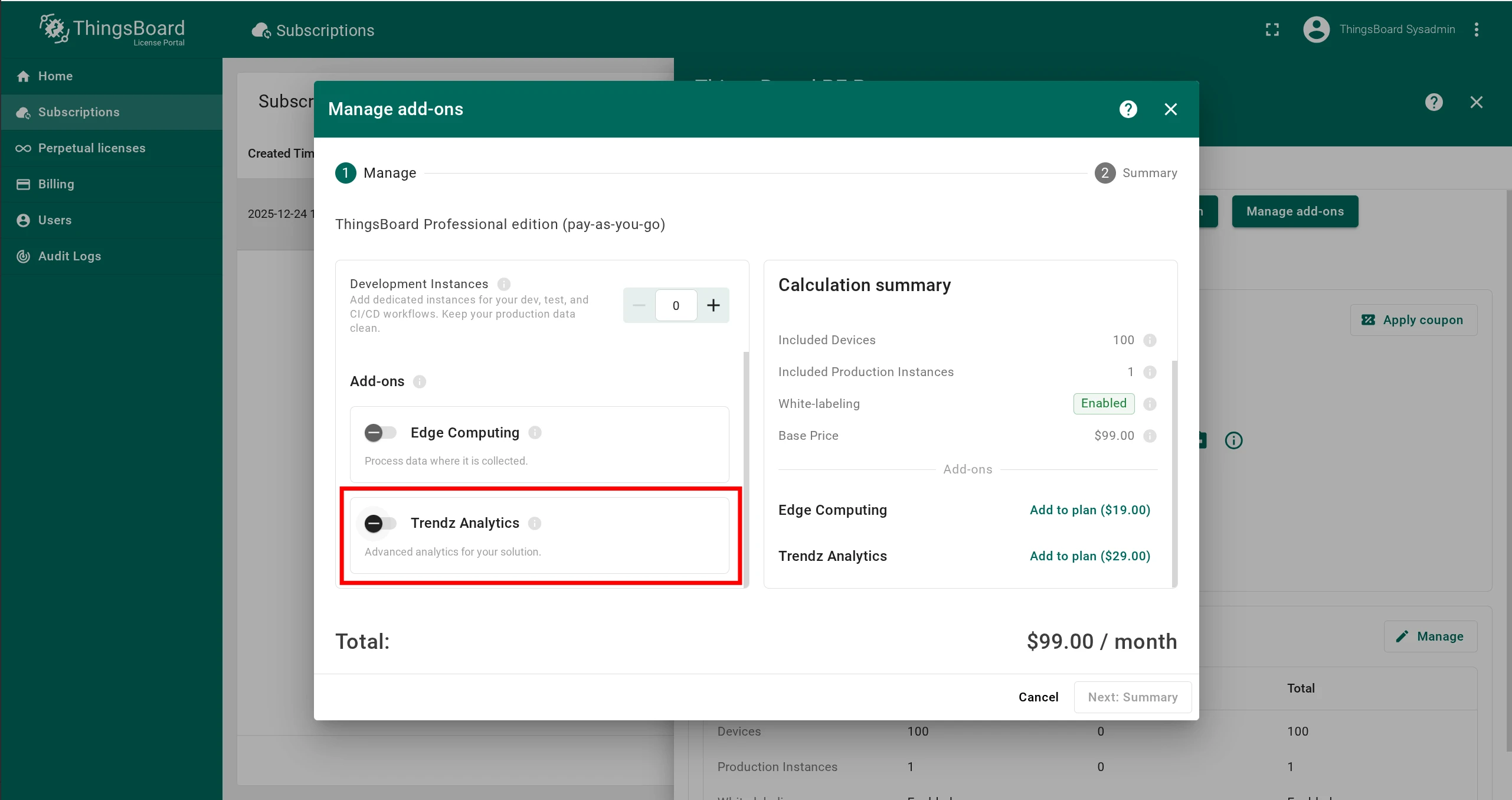
Scroll down and enable the Trendz Analytics checkbox.
-
Click Next in the lower right corner.
Step 3. Review summary and complete payment
Section titled “Step 3. Review summary and complete payment”-
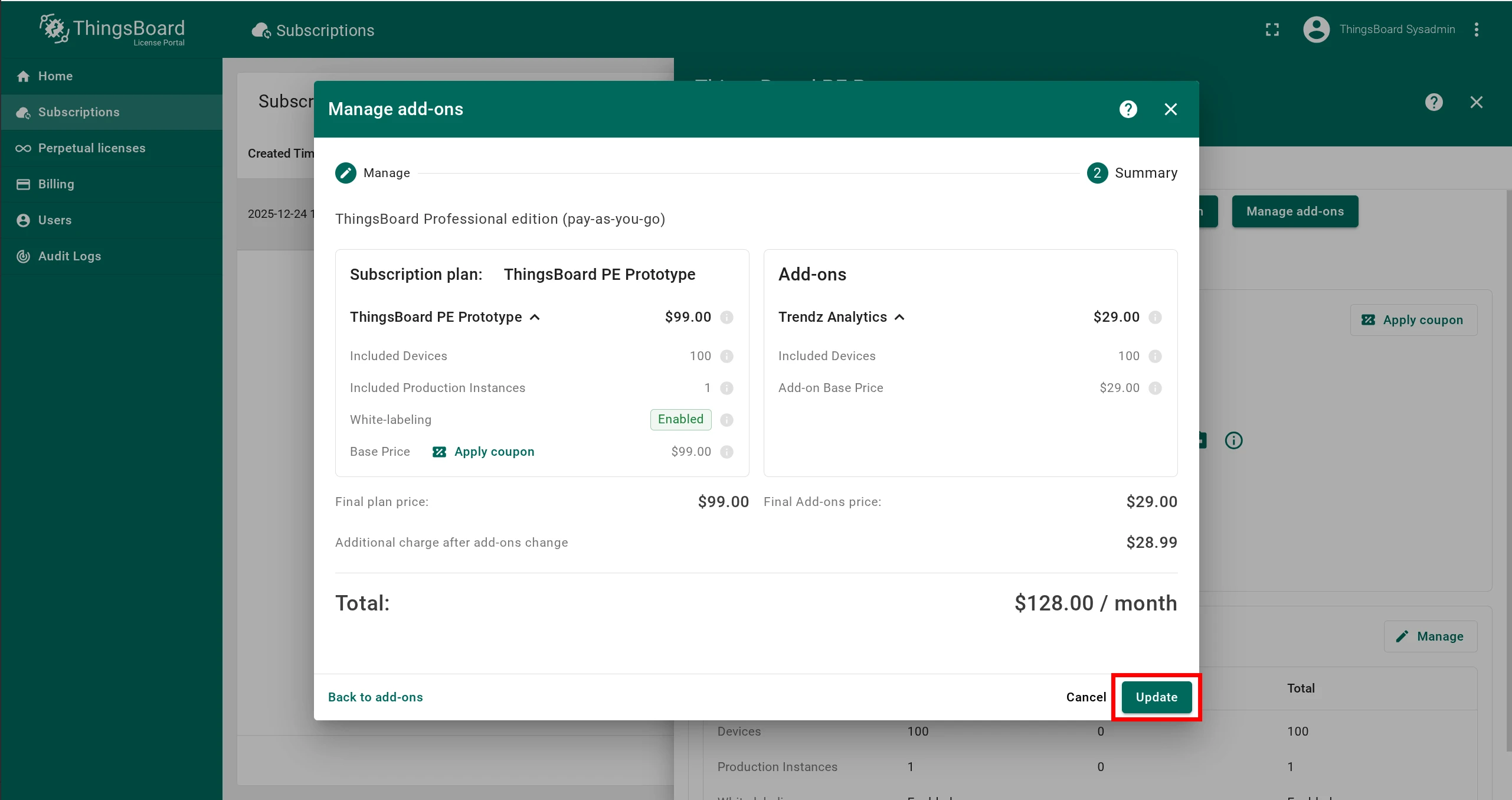
On the Summary screen, verify the selected plan and full price.
-
If everything is correct, click Update and complete the payment.
Step 4. Restart ThingsBoard
Section titled “Step 4. Restart ThingsBoard”Restart the ThingsBoard service to fetch the latest subscription information.
Pricing
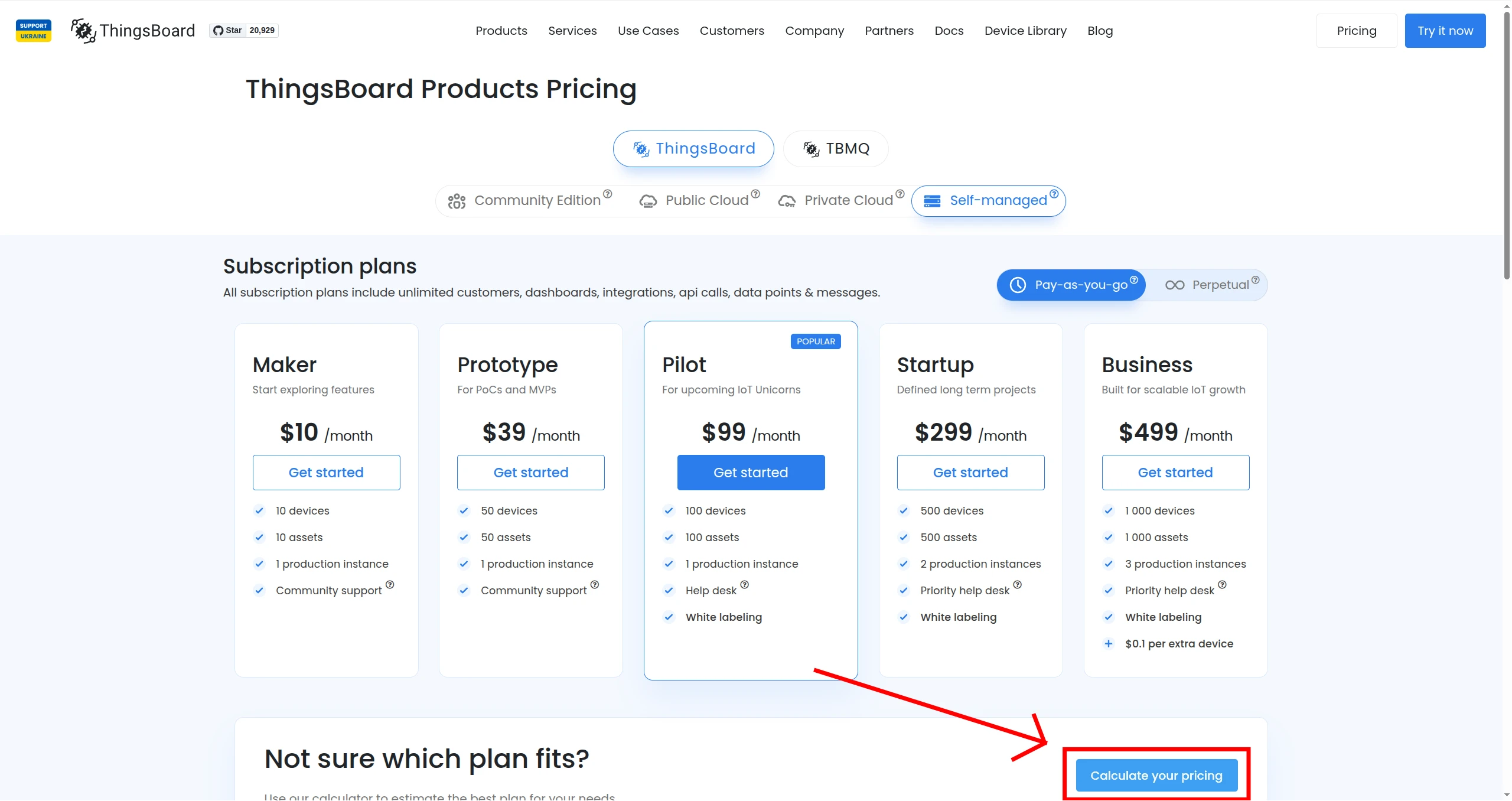
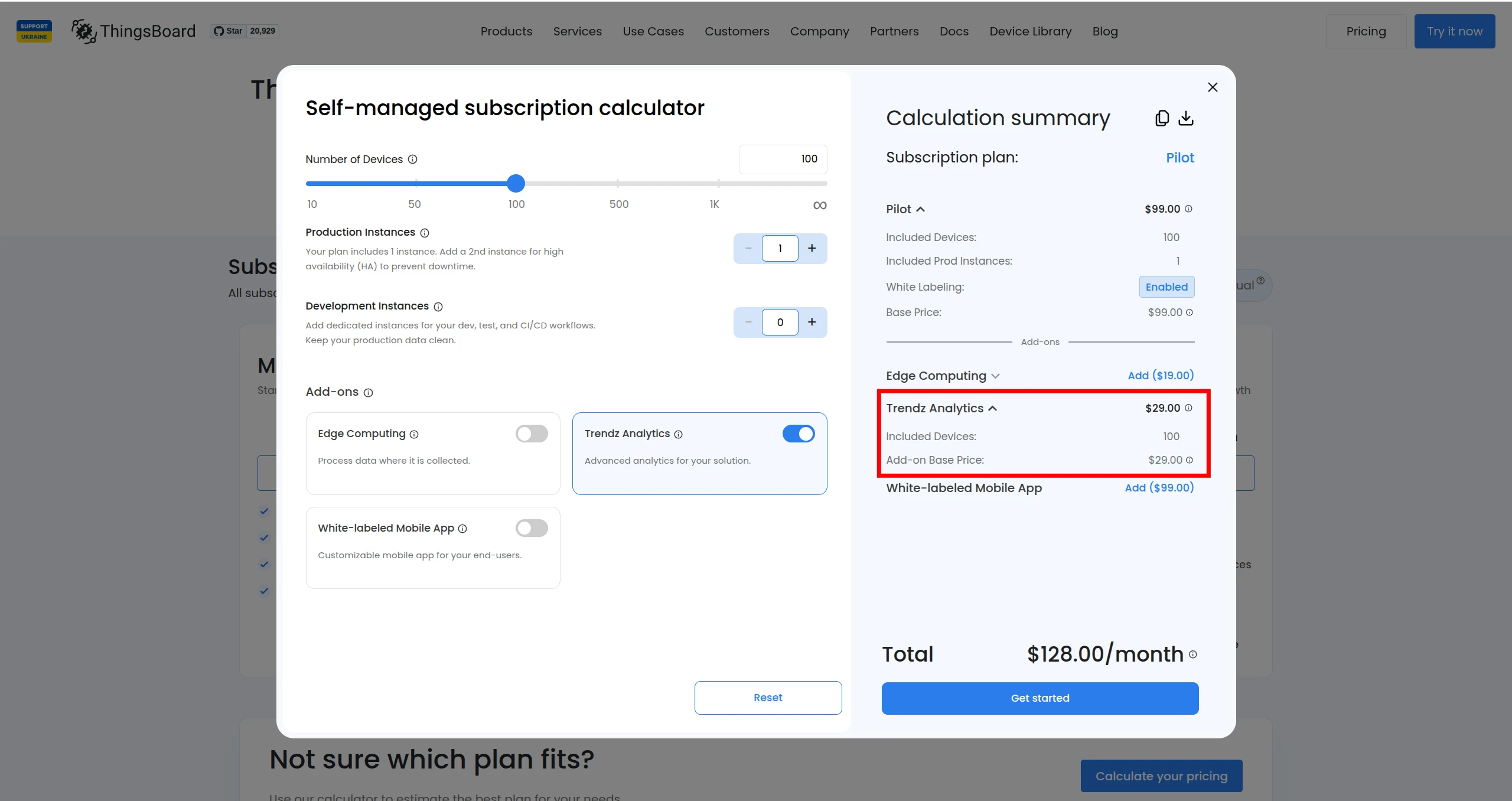
Section titled “Pricing”Up-to-date prices for the Trendz add-on are available on the pricing page.
If you have any questions, contact us — our team will help you find the best solution tailored to your requirements.
Was this helpful?