Topology Discovery
Before building any view, Trendz must scan your ThingsBoard instance to learn which asset types, device types, fields, and relations exist. This scan is called Topology Discovery, and its result is the set of Business Entities that appear in the field picker when you build analytics views.
Full Discovery
Section titled “Full Discovery”Full Discovery performs a complete scan of your ThingsBoard instance from scratch. Run it once on first setup, and again whenever you add new entity profile types or significantly restructure your entity hierarchy.
How to run it
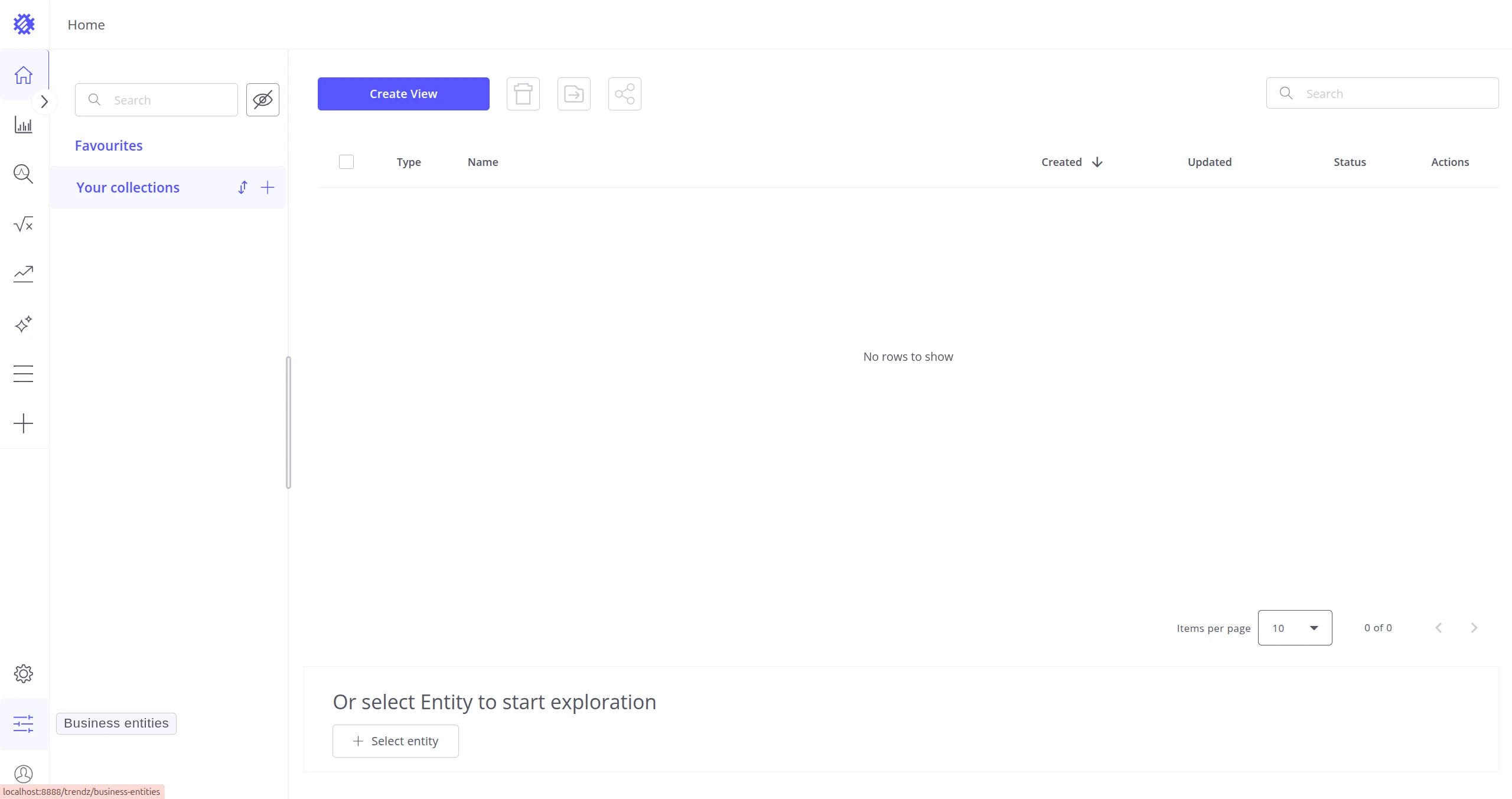
Section titled “How to run it”- Navigate to the Business Entities page using the icon in the bottom-left corner.
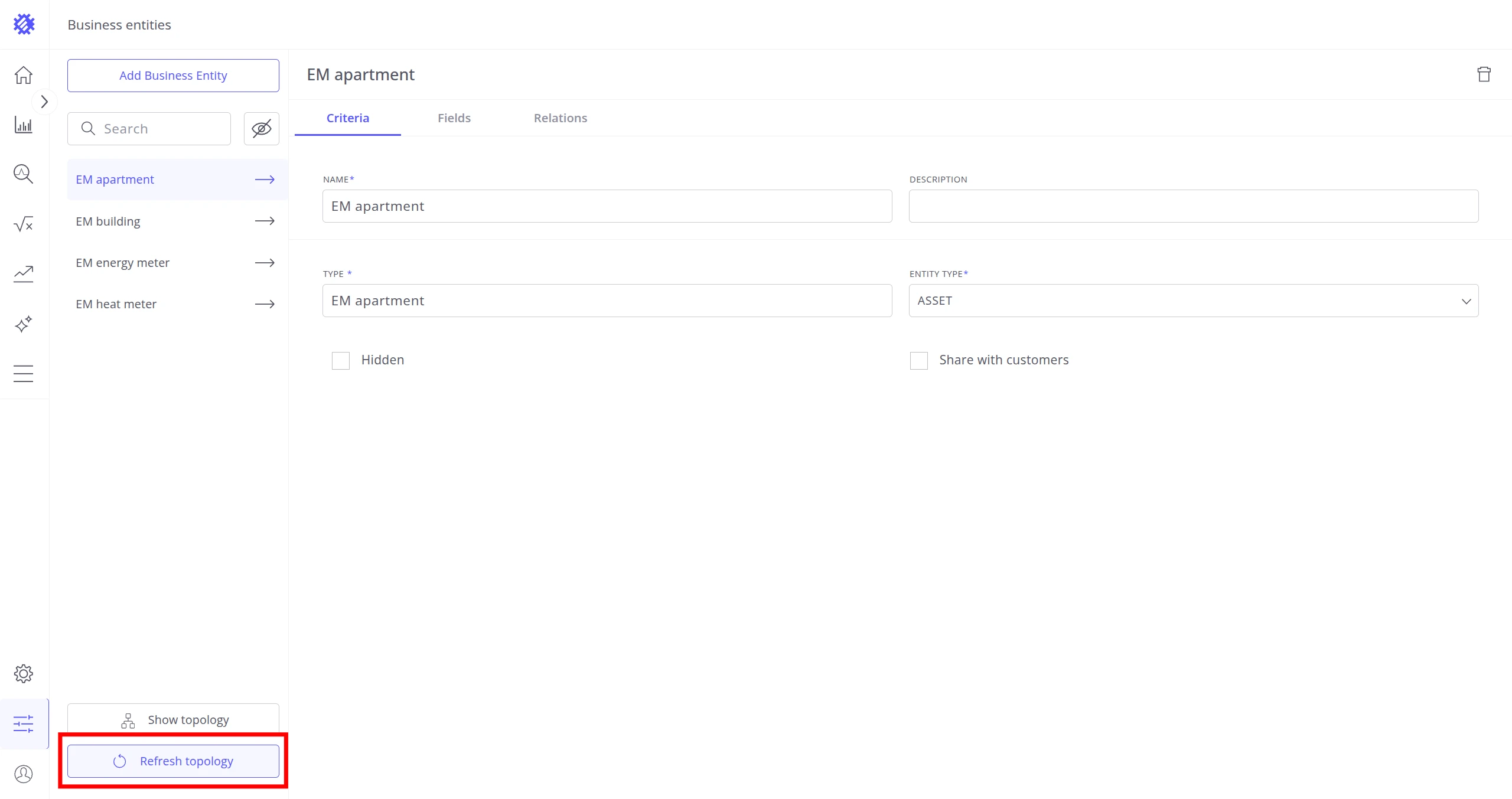
- Click Refresh Topology.
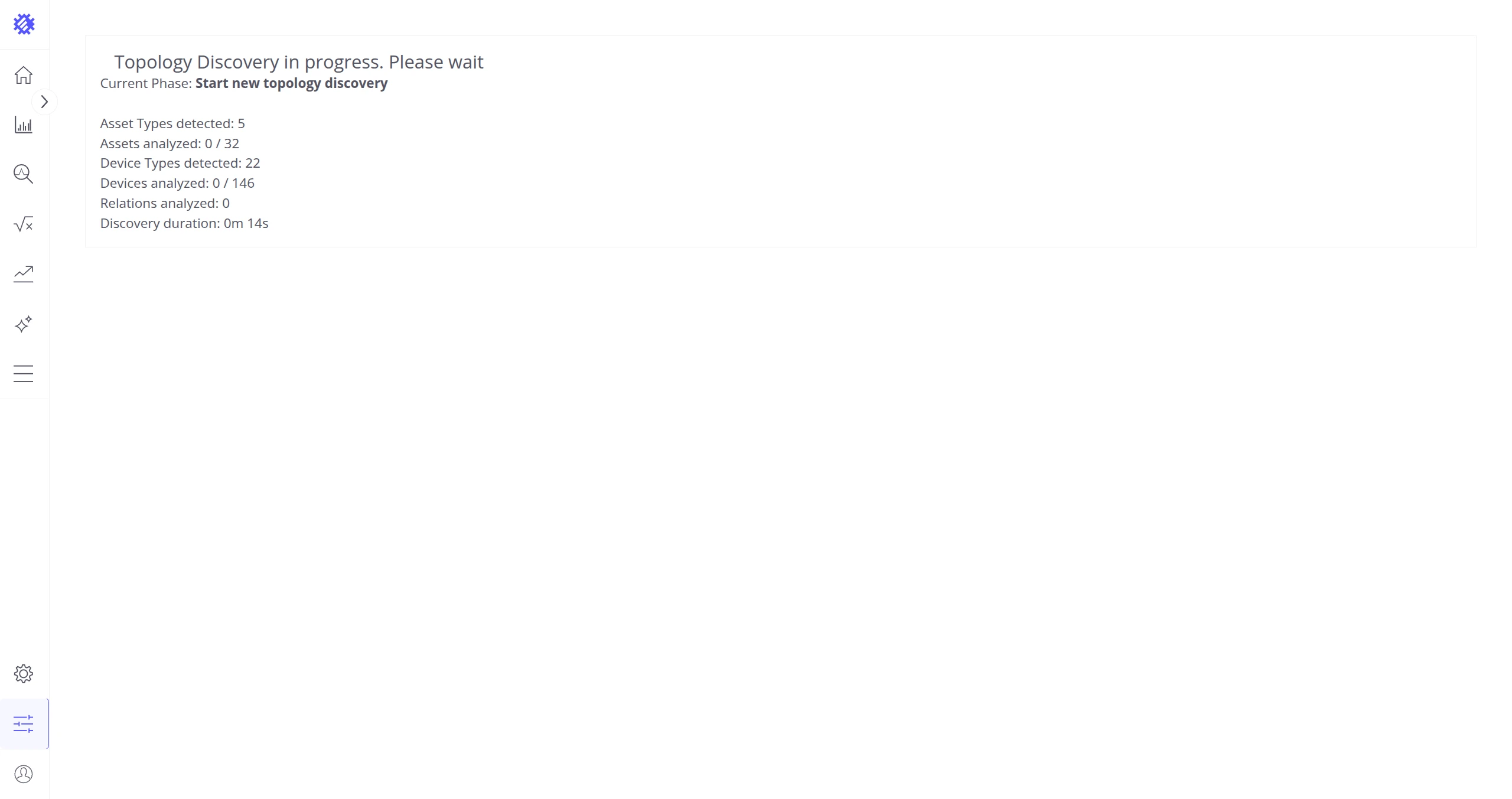
- Wait until Full Discovery completes.
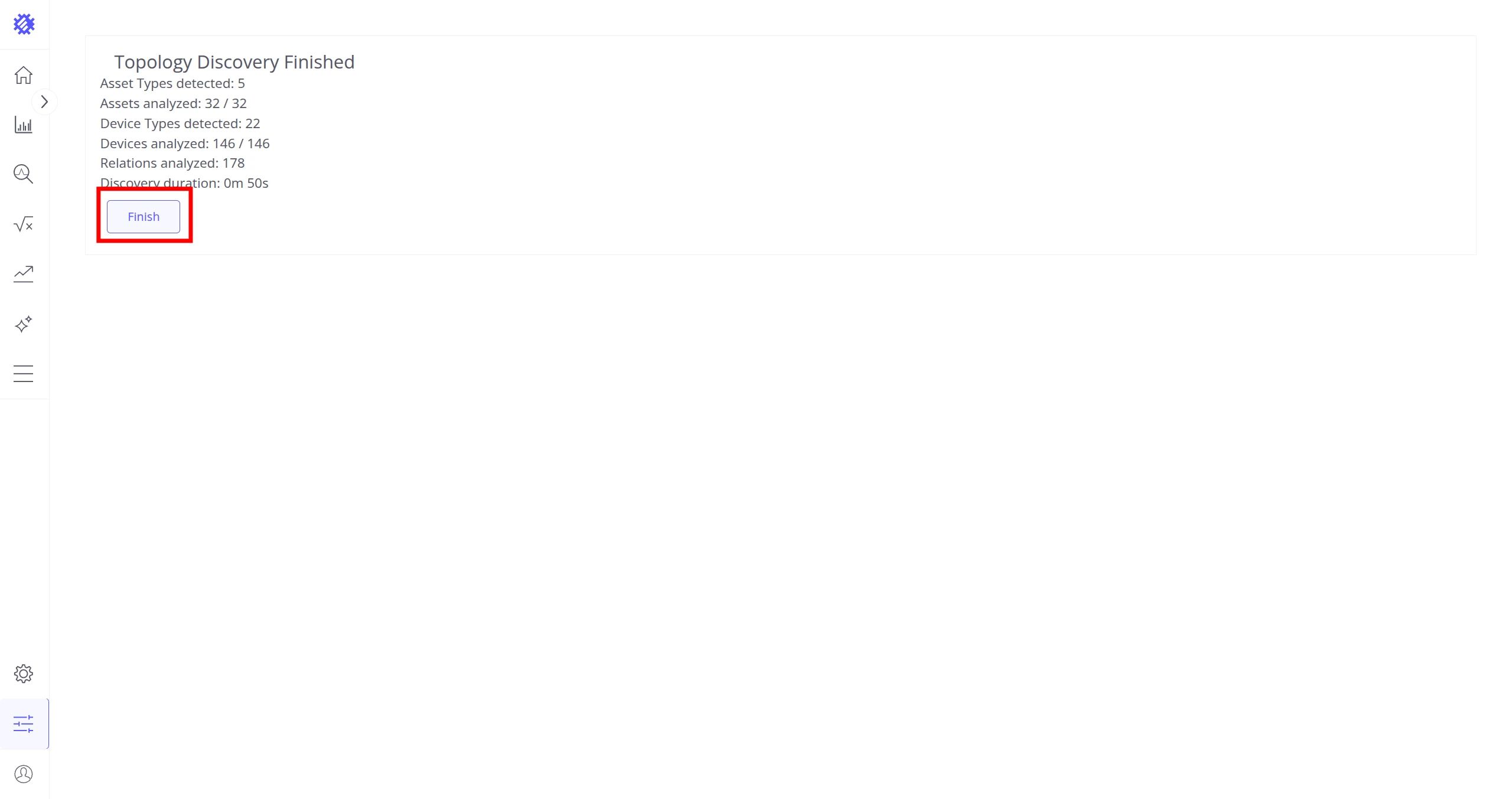
- Click Finish.
How it works
Section titled “How it works”Full Discovery runs the following sequence:
┌─────────────────────────────────────────┐ │ ThingsBoard │ │ │ │ Asset types + Device types │ │ │ │ │ ▼ │ │ Sample entities per type │ │ │ │ │ ▼ │ │ Discover fields (attrs + telemetry) │ │ │ │ │ ▼ │ │ Discover relations between types │ └──────────────┬──────────────────────────┘ ▼ Business Entities in TrendzSampling limits the number of entities analyzed per type to keep discovery fast on large
installations. Every discovered entity always includes the mandatory fields ENTITY_ID,
ENTITY_NAME, ENTITY_LABEL, and OWNER.
Configuration
Section titled “Configuration”| Env variable | Default | Description |
|---|---|---|
TOPOLOGY_DISCOVERY_DEFAULT_CONFIG_MIN_ITEM_TO_ANALYZE |
500 |
Minimum entities to sample per type |
TOPOLOGY_DISCOVERY_DEFAULT_CONFIG_MAX_ITEM_TO_ANALYZE |
10000 |
Maximum entities to sample per type |
TOPOLOGY_DISCOVERY_DEFAULT_CONFIG_ANALYZE_PERCENT |
5.0 |
Percentage of total entities to sample |
See Configuration Properties — Topology Discovery for the full reference.
Lite Discovery
Section titled “Lite Discovery”Lite Discovery runs automatically in the background and keeps Business Entities current without any manual intervention. New entity profile types and field changes are picked up continuously as Trendz receives API requests.
How it works
Section titled “How it works”Each incoming API call triggers a lightweight check. Trendz decides whether to run discovery and which mode to use based on cooldowns and what has changed:
DISCOVER_NEW cooldown elapsed? ──No──▶ (skip) │ Yes ▼ new types in TB (not in topology)? │ ├── Yes ──▶ DISCOVER_NEW │ new profile types only │ └── No ──▶ REFRESH_OLD cooldown elapsed? ──No──▶ (skip) │ Yes ▼ REFRESH_OLD N oldest types firstBoth modes execute the same three phases:
Phase 1 — Schema discover field keys Phase 2 — Relations discover links between entity types Phase 3 — Types resolve field types (numeric/bool/string)The cooldowns are 5 minutes for DISCOVER_NEW and 10 minutes for REFRESH_OLD.
Was this helpful?