Vibration Analysis for Predictive Maintenance
Vibration analysis catches machine problems from the way a machine shakes, before they turn into a breakdown. Pumps, fans, motors, compressors, and gearboxes all change their vibration when something starts to go wrong, and they do it weeks or months before you can hear it, feel the heat, or see it in the output.
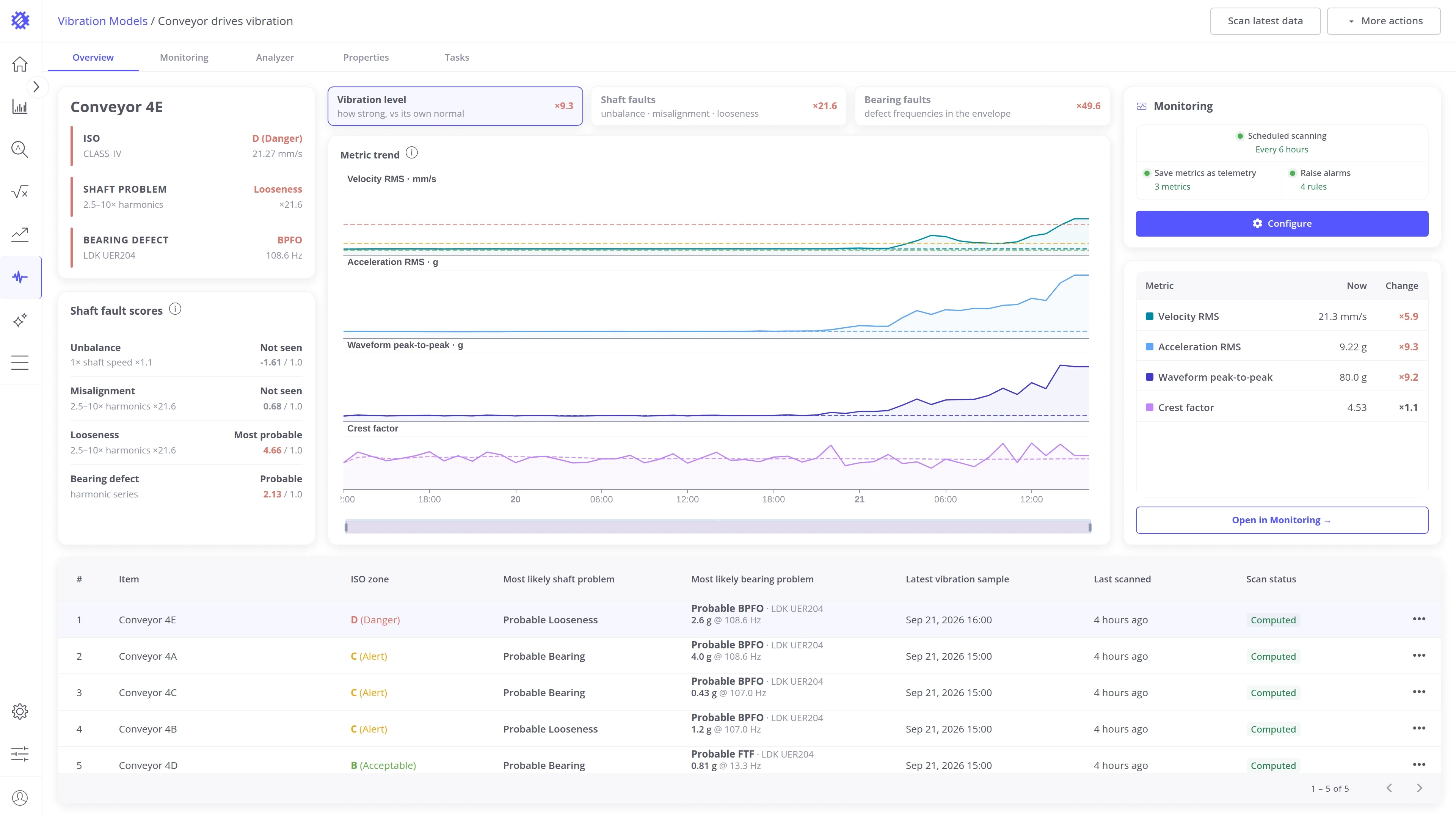
Trendz turns the vibration sensors you already connect to ThingsBoard into an online condition monitoring system. It reads the raw vibration signal of every machine and tells you three things about it: whether it has changed, how serious that is, and what the most likely cause is. Any wired or wireless accelerometer that sends raw waveform samples to ThingsBoard, directly or through a gateway, can be analyzed.
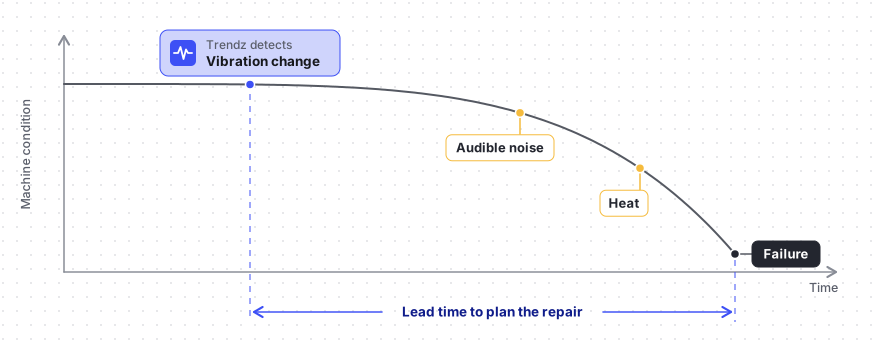
Acting on that early signal instead of waiting for the breakdown is what predictive maintenance means, and vibration analysis in Trendz implements it for your machines.
Predictive maintenance
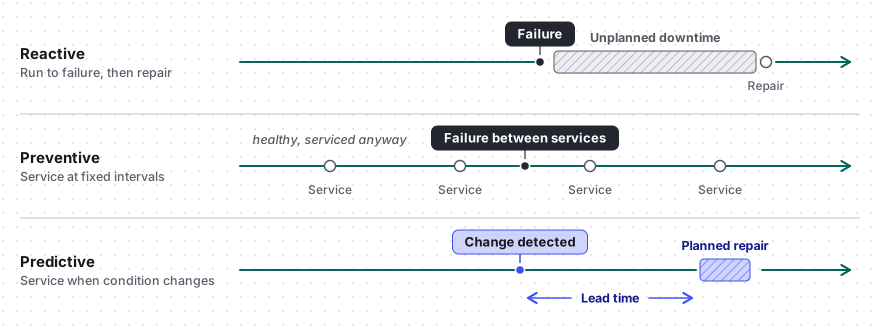
Section titled “Predictive maintenance”Predictive maintenance services a machine when its condition calls for it, instead of after a failure or on a fixed calendar. There are three ways to look after the same machine:
- Reactive: Run it until it fails, then repair it. Every fault becomes unplanned downtime.
- Preventive: Service it at fixed intervals. Healthy machines are opened for nothing, and worn ones still fail between services.
- Predictive: Watch its condition and act when it changes. Repairs move into planned downtime, parts are ordered ahead, and healthy machines are left alone.
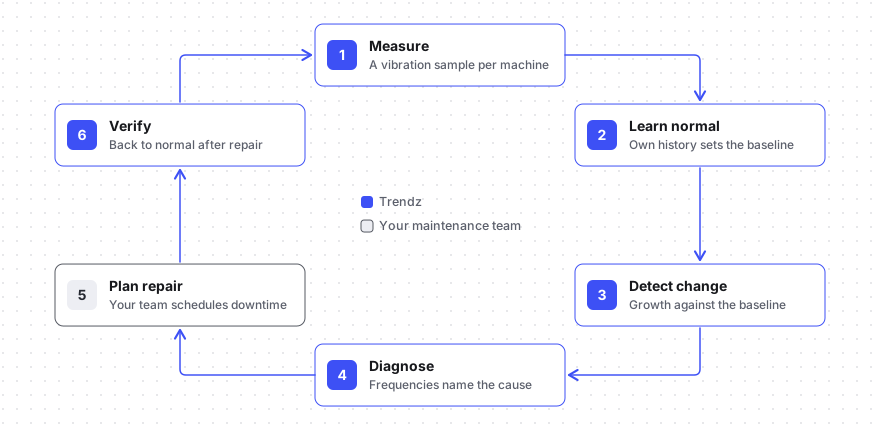
Predictive maintenance is a cycle: measure regularly, learn what is normal for each machine, detect a change, diagnose the cause, plan the repair, and verify the result. Trendz covers every step except the planning and the repair itself, and hands its findings to ThingsBoard alarms, rule chains, and notifications.
How it works in Trendz
Section titled “How it works in Trendz”A vibration model connects the sensors to the alarms. Once it is set up, every scan runs on its own.
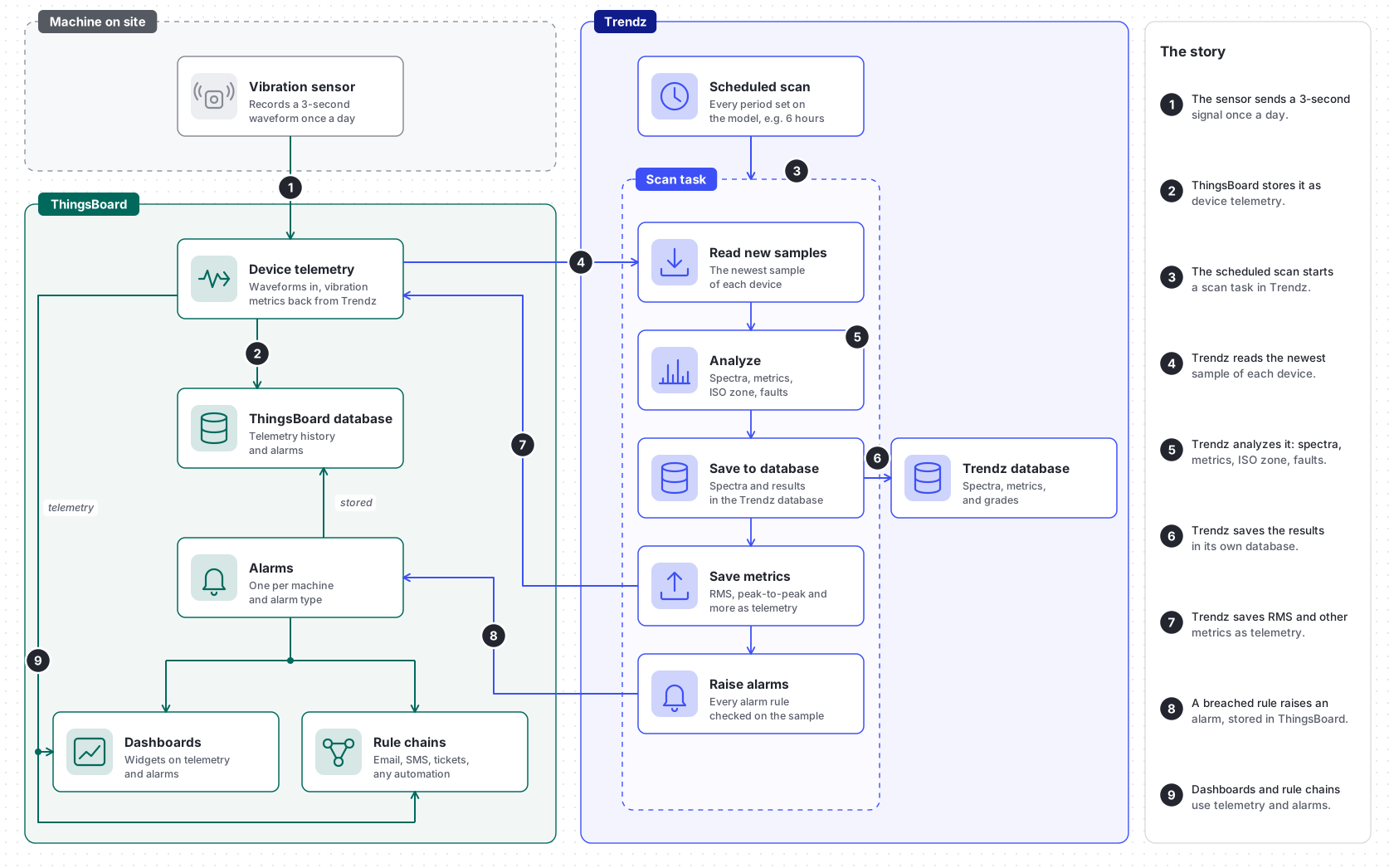
- Send a sample: The sensor records a 3-second waveform, for example once a day, and sends it to ThingsBoard. The format is described in Getting started.
- Store it: ThingsBoard stores the waveform as device telemetry.
- Start a scan: On the schedule set on the model, for example every 6 hours, Trendz starts a scan task.
- Read new samples: The scan reads the newest sample of each device.
- Analyze: Trendz computes the spectra, the metrics, the ISO zone, and the fault scores of each sample.
- Save to the database: Trendz stores the spectra and results in its own database, for the Analyzer.
- Save metrics: Trendz writes RMS, peak-to-peak, and other metrics back to ThingsBoard as telemetry.
- Raise alarms: Trendz checks every alarm rule on the new sample. A breached rule raises an alarm, which ThingsBoard stores. See Monitoring and alarms.
- Act on it: Dashboards show the metrics and alarms, and rule chains send them on by email, SMS, or to a ticketing system.
Where to start
Section titled “Where to start”-
Start here
Getting started
Connect your first machine: send vibration samples to ThingsBoard, create a vibration model, and read the first results.
-
Introduction to vibration analysis
New to the domain? Learn what RMS, spectra, bearing fault frequencies, and ISO zones mean before you start.
Features
Section titled “Features”Trendz gives you the tools for every step of the cycle: it keeps watch over vibration levels and raises alarms on its own, tells you how serious a change is and what is likely behind it, and lets you look into the signal of any machine when you want to see the evidence yourself.
-
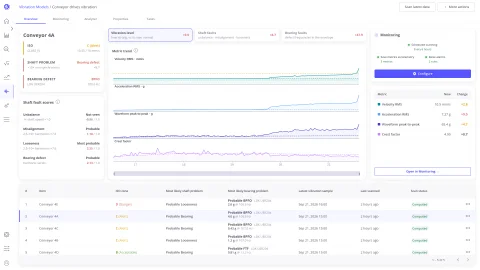
Vibration monitoring
Track acceleration RMS, velocity RMS, crest factor, and peak-to-peak per machine, trended against its own normal.
-
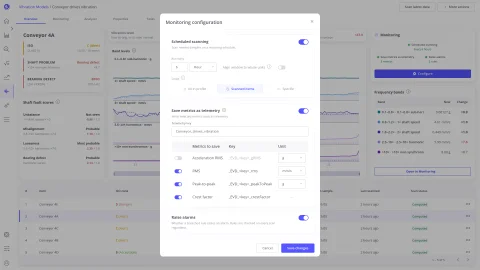
Scheduled scanning
Process new samples on a schedule and keep every machine current without opening Trendz.
-
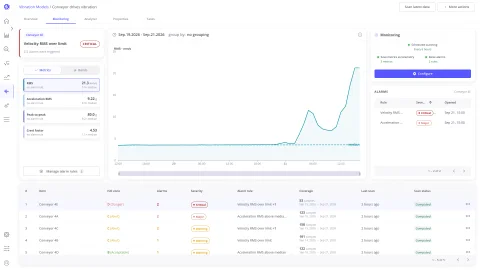
Automatic alarms
Turn a crossed limit or a detected fault into a ThingsBoard alarm that carries the readings behind it.
-
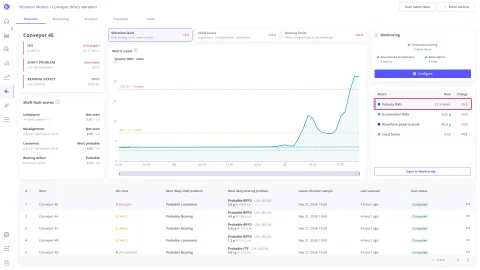
Severity grading
Know how bad it is: vibration velocity graded into ISO 10816 / ISO 20816 zones A to D for the machine class.
-
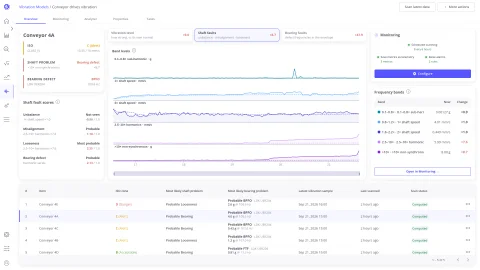
Fault diagnosis
See the most likely cause: unbalance, misalignment, or looseness, rated from the frequency bands with the evidence behind it.
-
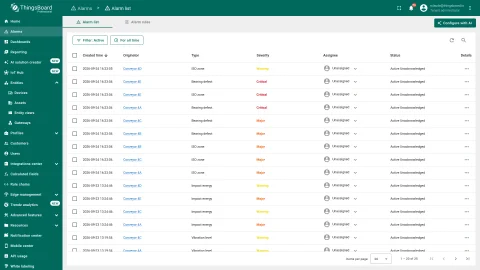
Results in ThingsBoard
Save metrics back as device telemetry and chart them in dashboards and Trendz views next to process data.
-
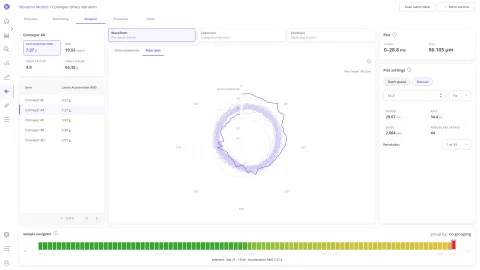
Waveform analyzer
Inspect the raw signal of any sample as a time waveform or as a polar plot per shaft revolution.
-
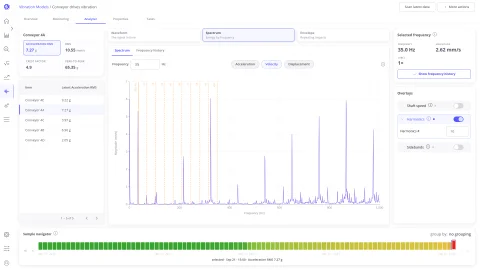
Spectrum analyzer
Name the frequencies: FFT spectrum analysis with shaft speed, harmonics, sidebands, and bearing fault overlays, in acceleration, velocity, or displacement.
-
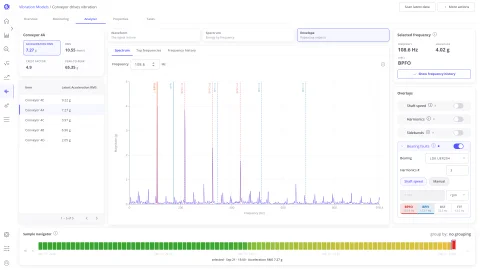
Envelope analysis
Catch bearing damage early and by part: BPFO, BPFI, BSF, and FTF matched in the envelope spectrum.
Was this helpful?